
LockWatch2BetaiOS1314
Author: Sniper_GER
Version: 2.1-b1
Description
Team FESTIVAL is proud to announce LockWatch 2, the next big step in lock screen tweaks. With support for iOS 13 and iPadOS, LockWatch 2 is expected to release in 2020, free and open source, as usual for Team FESTIVAL software.
Continuing on the principles and the usability of the original LockWatch, LockWatch 2 will include the following features:
- 40+ native watch faces, including Mickey Mouse and Series 4+/Nike/Hermès exclusives
- Custom watch faces
- Native complications
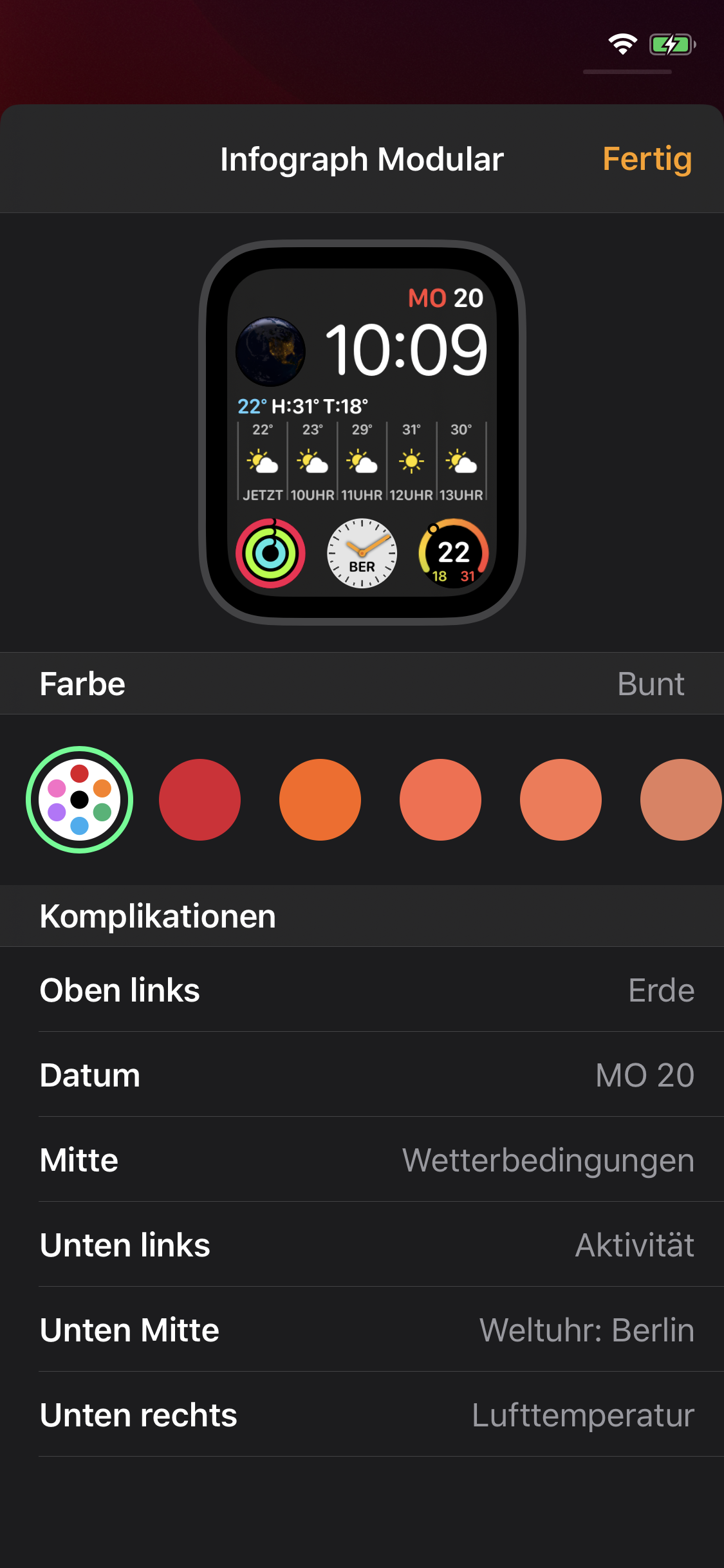
- Inline watch face management and customization
- Device emulation if you don’t own an Apple Watch
- iOS 13 and iPadOS* support
* Support for iPadOS currently requires additional steps because of legal issues regarding redistribution of copyrighted assets. More on that coming as development proceeds.
40+ native watch faces
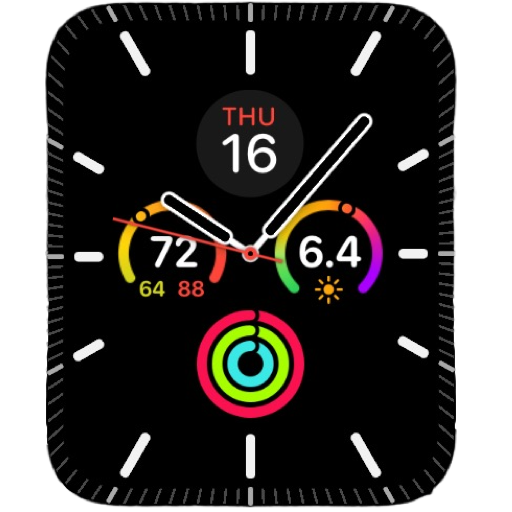
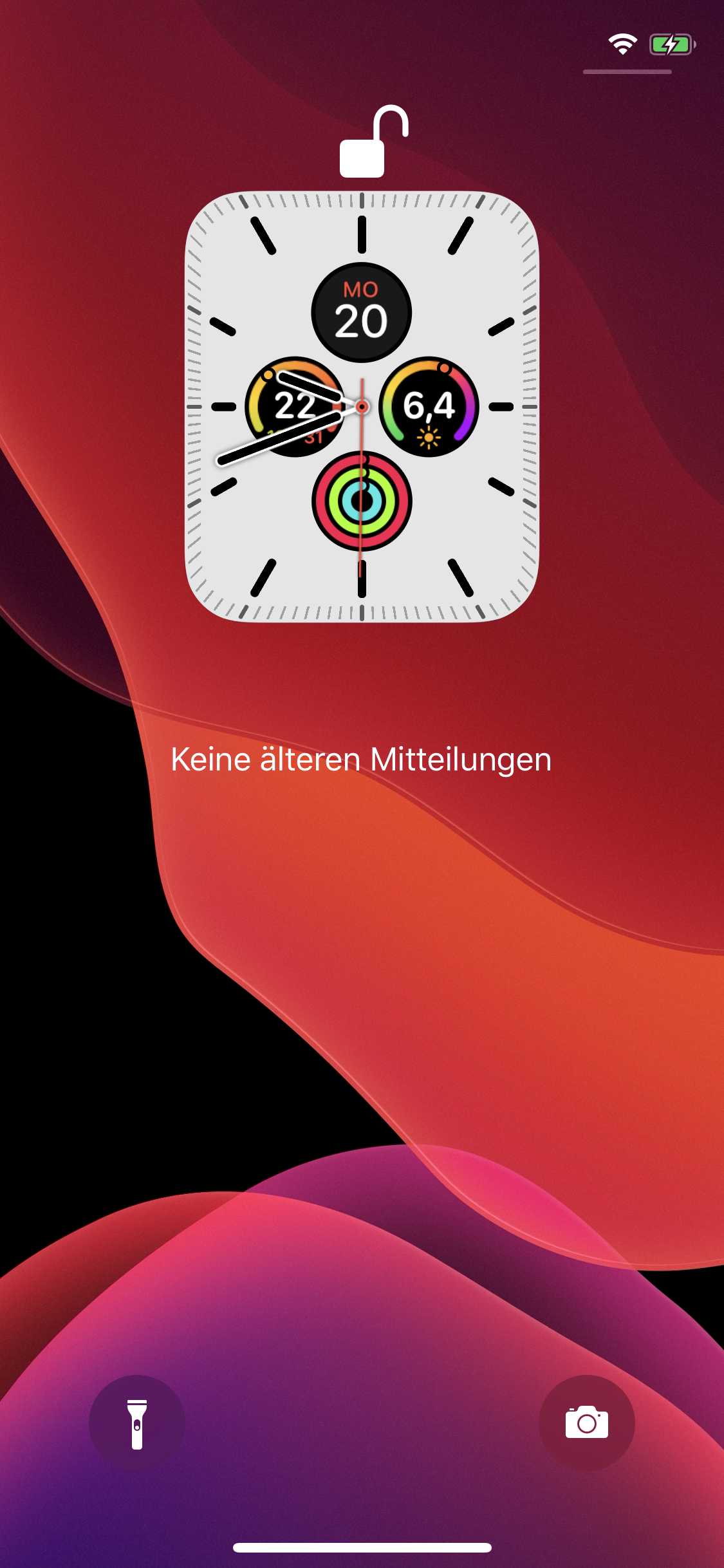
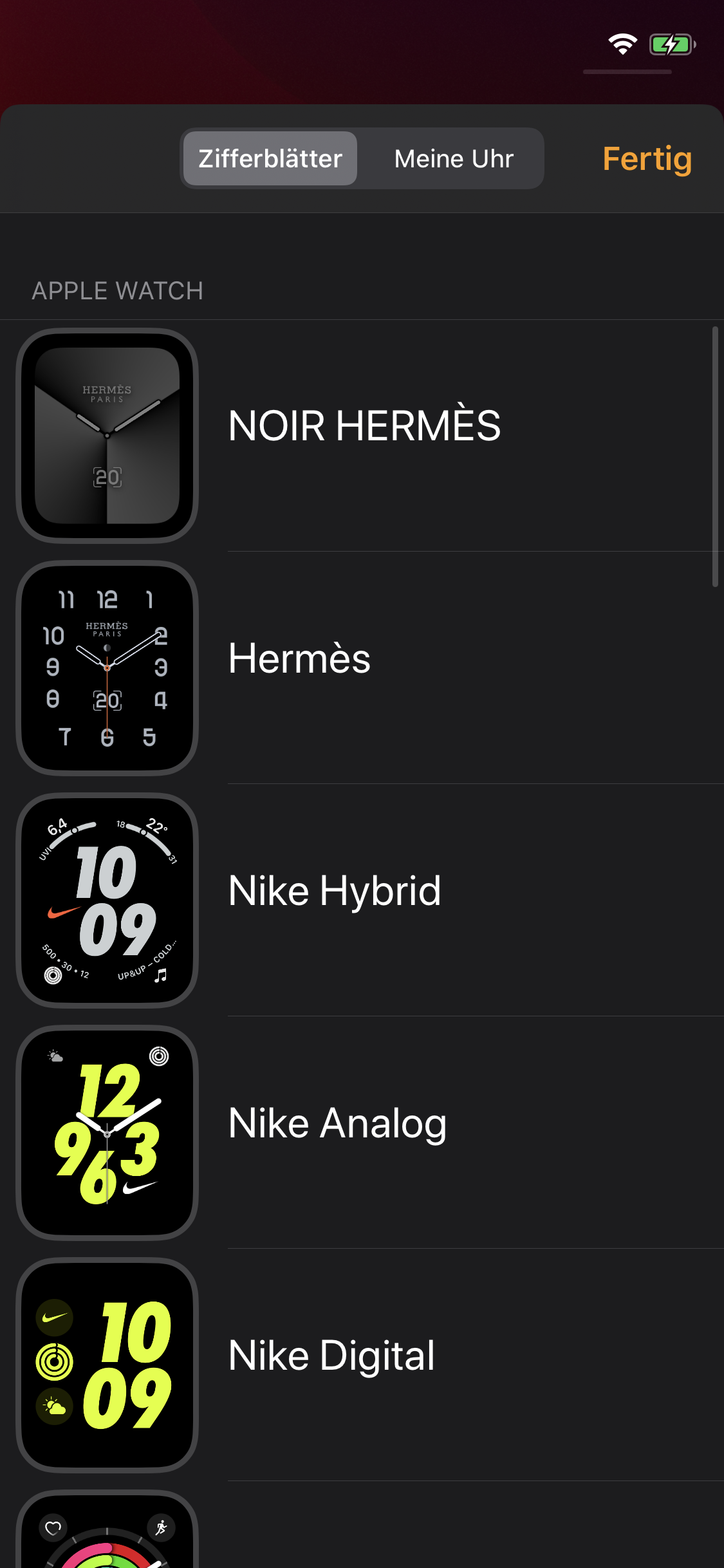
LockWatch 2 supports most, if not all watch faces included in watchOS 6 (or rather, iOS 13). This includes Utility, Modular, the much requested Mickey Mouse and many more, as well as Series 4/5, Nike and Hermès exclusives, such as California, Gradient, Solar Dial or Noir Hermès.
Custom watch faces
LockWatch 2 will also support custom watch faces, created by either Team FESTIVAL or you, the community. This allows you to create new watch faces based on existing ones, or create something entirely from scratch. Remember when I told you you could create a “Nyan Cat” face for the original LockWatch? Someone actually created it a while ago. And you can do that too with LockWatch 2.
Native complications
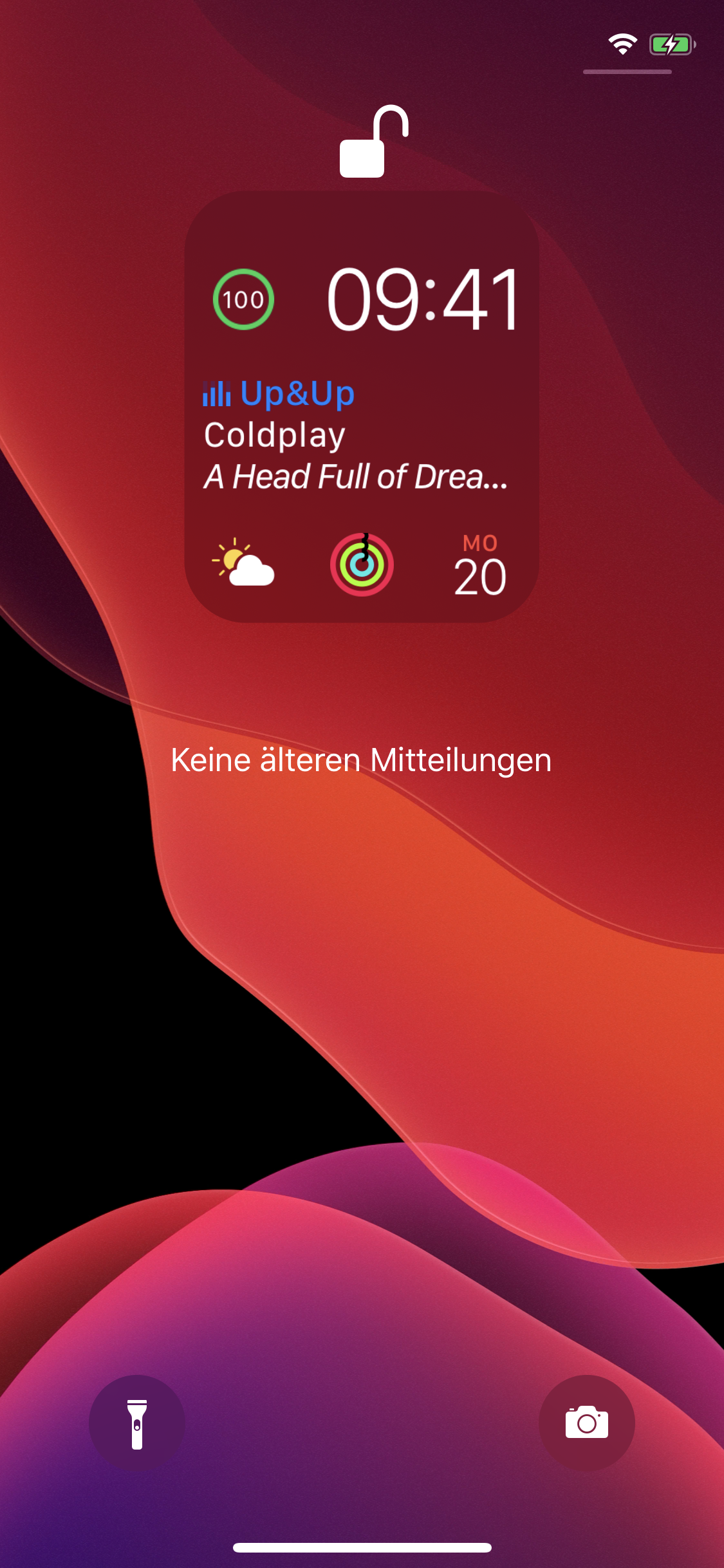
No offense, Complications is a great tweak, and I respect /u/bengiannis for this incredible work. But having them natively on your lock screen is even more incredible, isn’t it? Anyways, LockWatch 2 will make every complication supplied by watch faces actually work. Activity, Weather, and even Now Playing will show correct data. There is also the possibility we might see third-party app complications, but I can’t guarantee that.
Watch face management & Customization
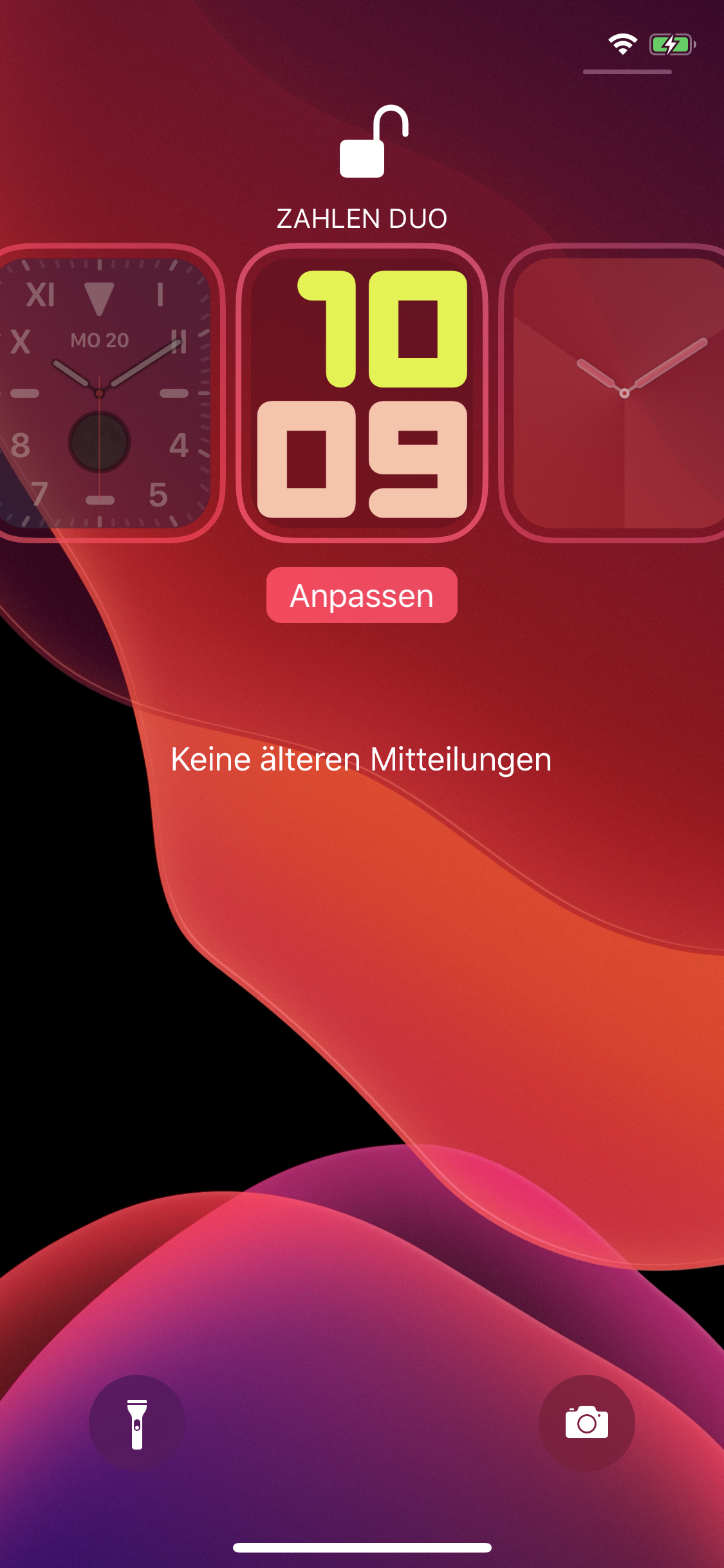
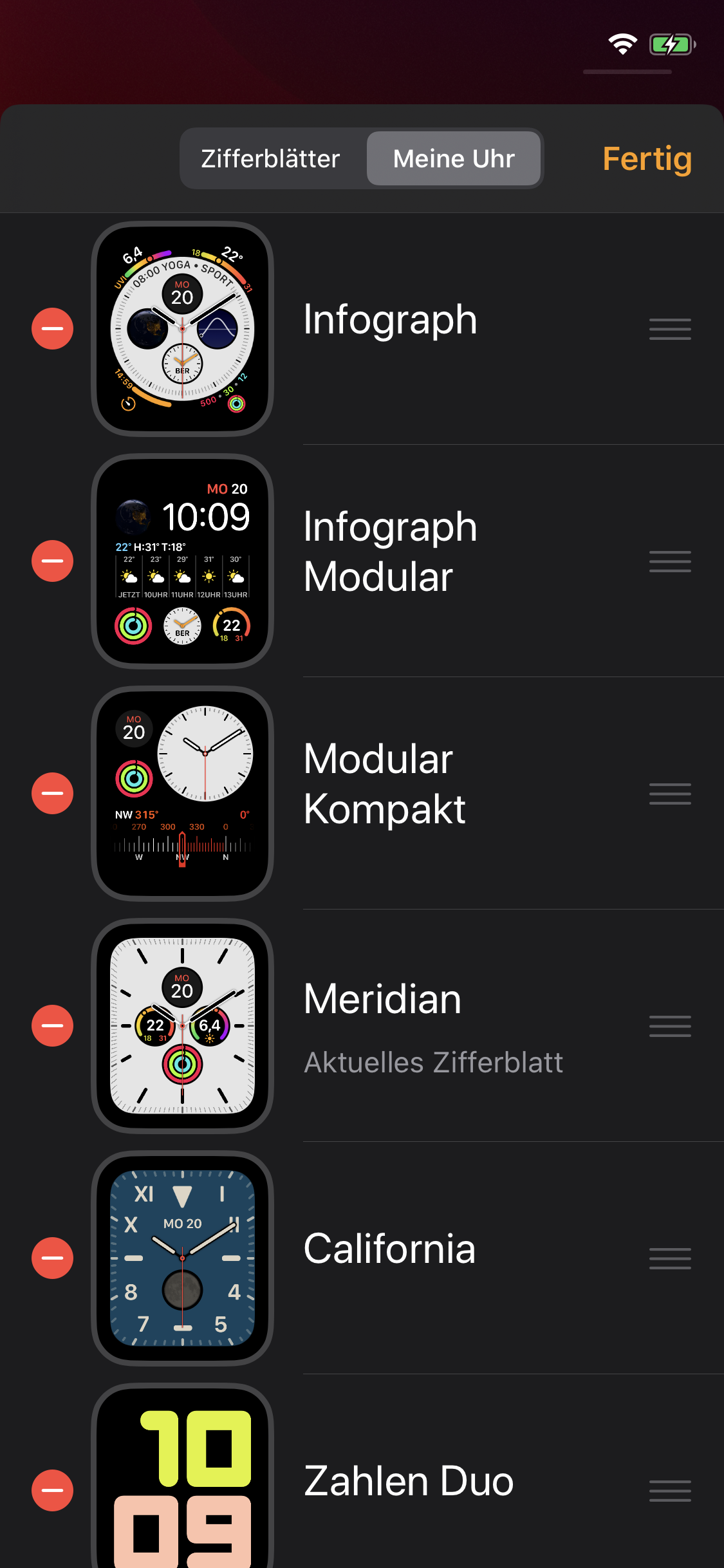
As seen in the original LockWatch, you will be able to customize watch faces right from the lock screen. Tap and hold (or press firmly on 3D Touch/Apple Pencil capable devices) to bring up the watch face picker. Here you can also customize watch faces to your liking.
What’s new with LockWatch 2 however is, that you can add new watch faces from your lock screen too. And if you have a paired Apple Watch, you can also add watch faces from within the Watch app, or synchronize the faces on your lock screen with those on your Apple Watch.
Device Emulation
If you don’t have an Apple Watch at all, you don’t have to worry. LockWatch 2 allows you to emulate one so it can be used by your selected watch faces, even if you have a paired Apple Watch. You can customize just about anything, like screen size, corner radius or the product type.
iOS 13 and iPadOS support
LockWatch 2 will support at least iOS 13, and even iPadOS, although this (currently) requires additional steps you have to take because some frameworks are limited to iPhone and simply redistributing them may get me into legal trouble. It’s also planned to make this compatible with iOS 12, and maybe even iOS 11 if you really want it. Also it’s planned to support future versions of iOS and iPadOS.
Info
-
Downloads:
308 -
Section:
Tweaks -
Firmware:
iOS 13 - 14.x

null