
MooreBarX14
Author:
tateu (Josh Harris)
Version: 0.9.0~alpha1.3.0
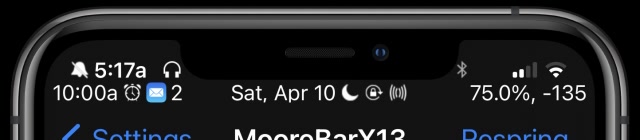
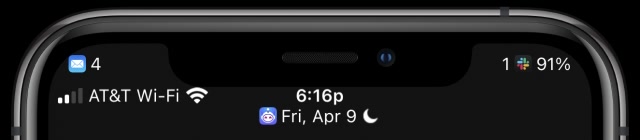

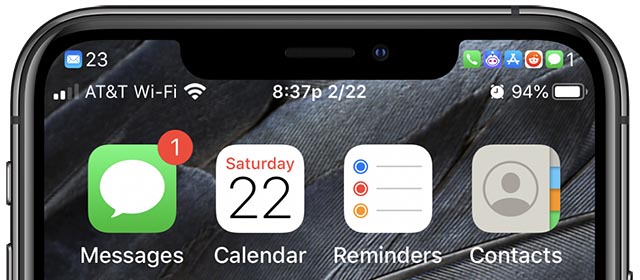
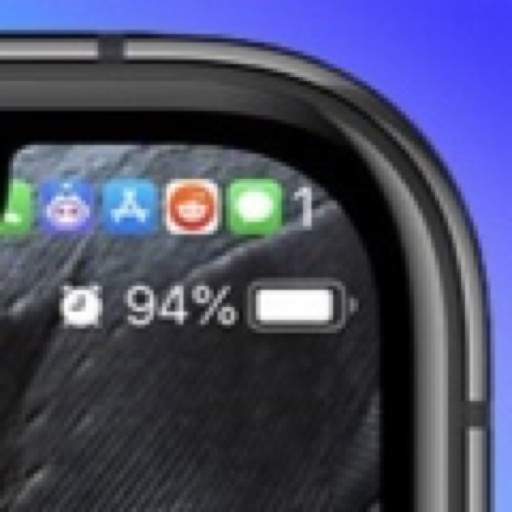
Description
More StatusBar icons.
Some changes made to the Settings take effect without the need to respring but some require a respring.
This is an early release version for testing. It is labeled as Alpha.
This means: - Not all features may be enabled. - Features that are enabled may not work exactly as intended. MooreBarX13 is meant for iPhones with a notch, although it may work on the iPhone 7 & 8 and iPads.
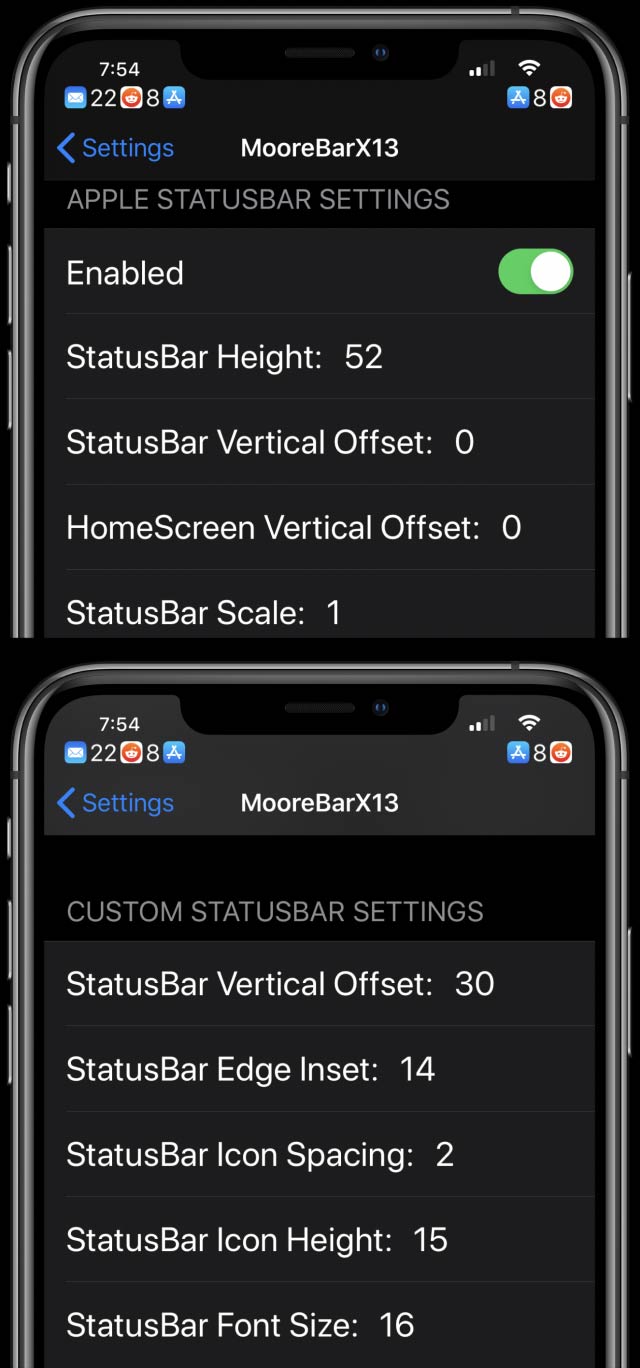
It can: - Convert the notch StatusBar into the iPhone StatusBar used on the iPhone 7 & 8 and move the Apple StatusBar down below the notch.
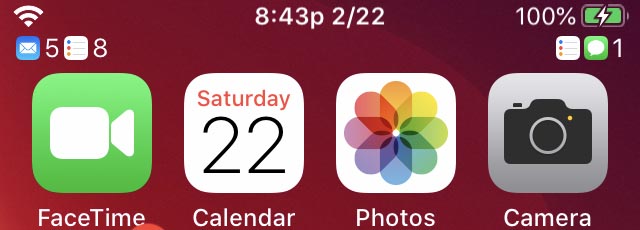
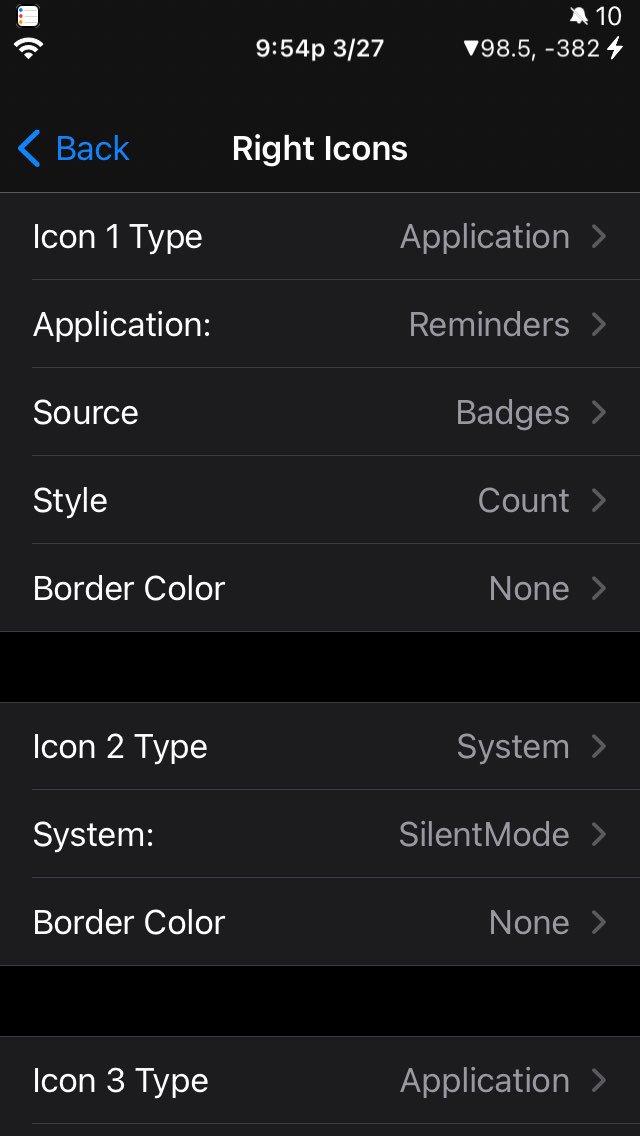
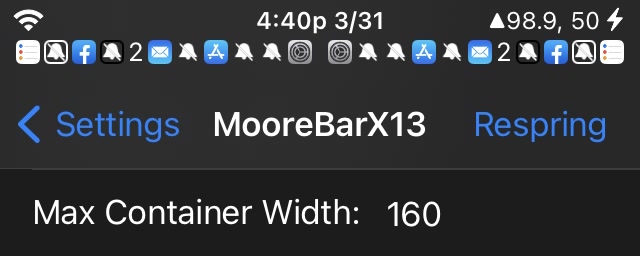
or - Leave the notch StatusBar as is and place the second row of icons below. - Hide some of the stock StatusBar Icons. Change the StatusBar color for ‘Recording Bar (Red), ’Return to Call (Green)’ and ‘Return to Navigation (Blue)’. - Change the StatusBar time format. - Add Battery Percentage to the StatusBar. - Add NextAlarm time/date to the StatusBar. - Add a second row of icons int the left, right and center regions to be used for Application/System icons. It can be positioned vertically in different places. - Currently, you can add up to 12 icons on each side of the notch. The icon can be based on an App or a System option. - If the icon is based on an App, it will appear when there is a badge on the icon for the selected App or notifications for the selected App are in the Notification Center. - The icon can either be the same as the App icon or a number showing the badge count. - In the future, it might be possible to add custom icons. - If the icon is based on a System option…(Silent, Vibrate, Alarm icon, NextAlarm Time, Do Not Disturb, Date, Battery Percent)…it will show when the System option is enabled. - The icon can either be the default icon or the number 1 or a time/date string. - In the future, it might be possible to add custom icons. - In the future, it might be possible to show icons for other System options, such as Bluetooth, etc. - You can also set a custom time format and change the AM/PM symbols if you use those in your region and change the StatusBar font size.
Info
-
Downloads:
444 -
Section:
Tweaks -
Firmware:
iOS 12 - 14.x

- Only hide stock VPN icon if user has turned that option on for “Hide Icons -> VPN”