

CallSilent-Rootless
Author: Snail
Version: 1.0.3k
Description
Don't patch/convert 、Don't patch/convert、Don't patch/convert、Don't patch/convert
不要patch/转换、不要patch/转换、不要patch/转换、不要patch/转换
Suggestion:For Bootstrap/Roothide users, please download roothide/arm4e version deb from link and reinstall tweak. https://drive.google.com/drive/folders/18_U7DsicNdNDGw8gfJnXKNvg5ZhBCi_z?usp=share_link
建议:Bootstrap半越狱/Roothide用户请从网盘下载roothide/arm64e版本DEB,并且重装插件。 https://www.aliyundrive.com/s/SGs5kxLyu5D
Mute & Decline Call with Flip/Tap Device.
- Tweak Background: In the native iOS, when receiving an incoming call on the lock screen, you can mute the call by pressing the Volume +/- button or the Lock button once, and decline the call by pressing the Lock screen button twice. While this method is straightforward, it requires physical button presses, can be cumbersome, and might not be as swift. Additionally, some users who care about their buttons may not prefer this method.
- Tweak Compatibility: Supports any jailbroken device running iOS 14 - iOS 16. Tested Devices: iPhone 7 Plus on iOS 14 (unc0ver jailbreak), iPhone XR on iOS 15.1 (Dopey dopamine jailbreak), iPhone X on iOS 16.1.2 (palera1n jailbreak).
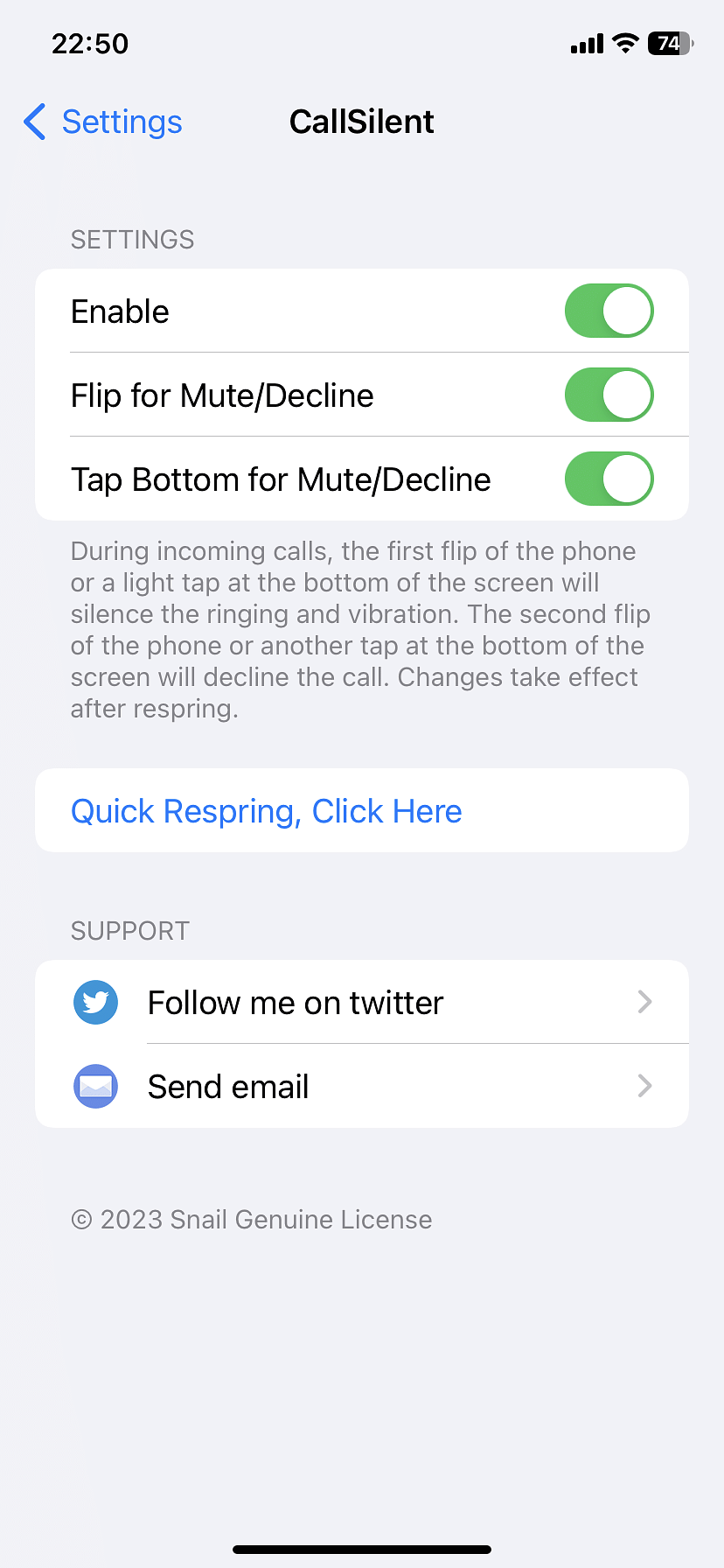
- Tweak Functionality: This tweak offers two methods for quickly muting/declining incoming calls on the lock screen. See video demonstration click here.
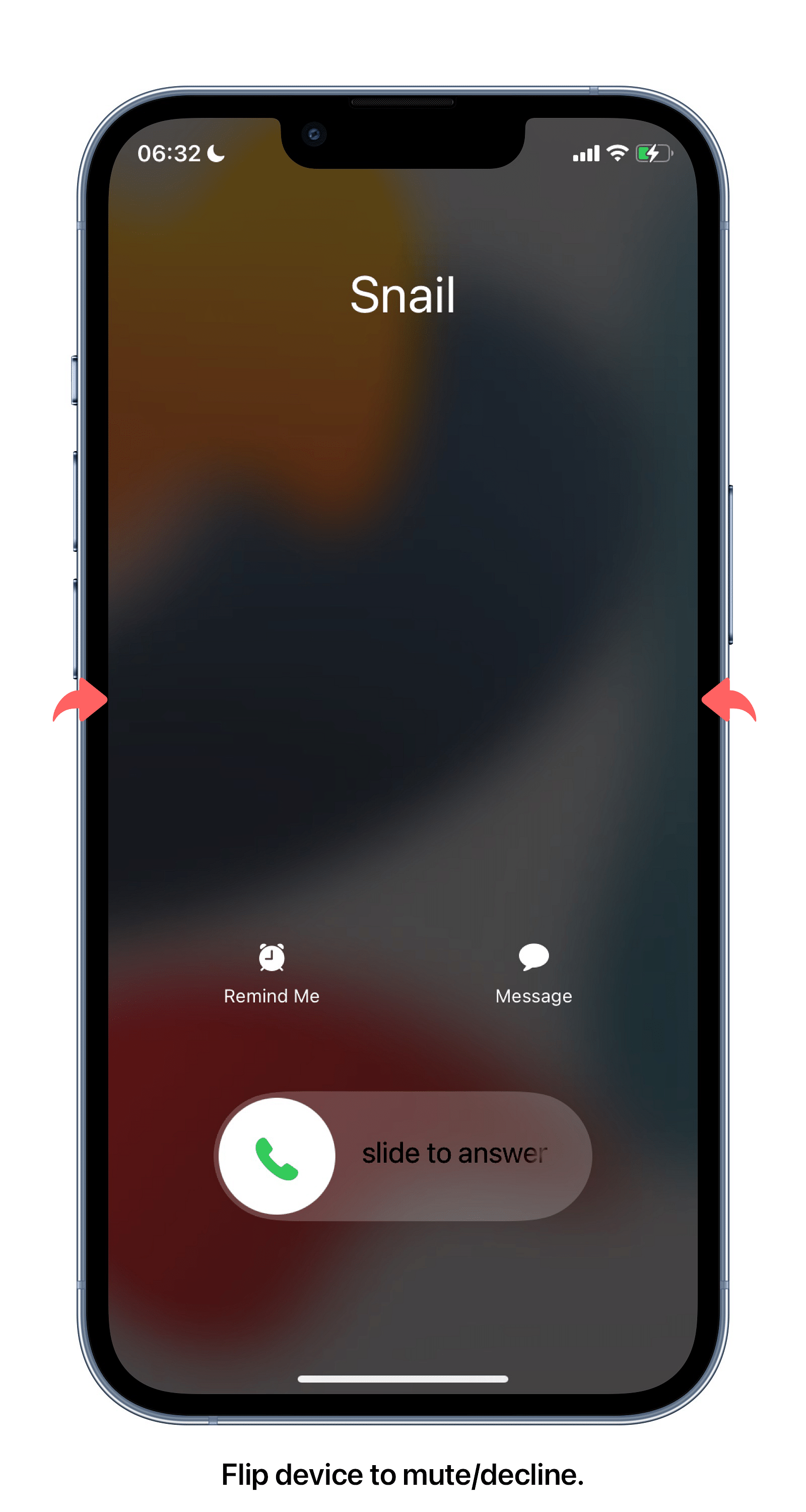
- Method 1: When a call comes in, flip the phone screen-down for the first time to mute the call, and flip it again to decline the call. (When the call comes in, the ringtone will play normally if the phone is initially placed screen-down.)
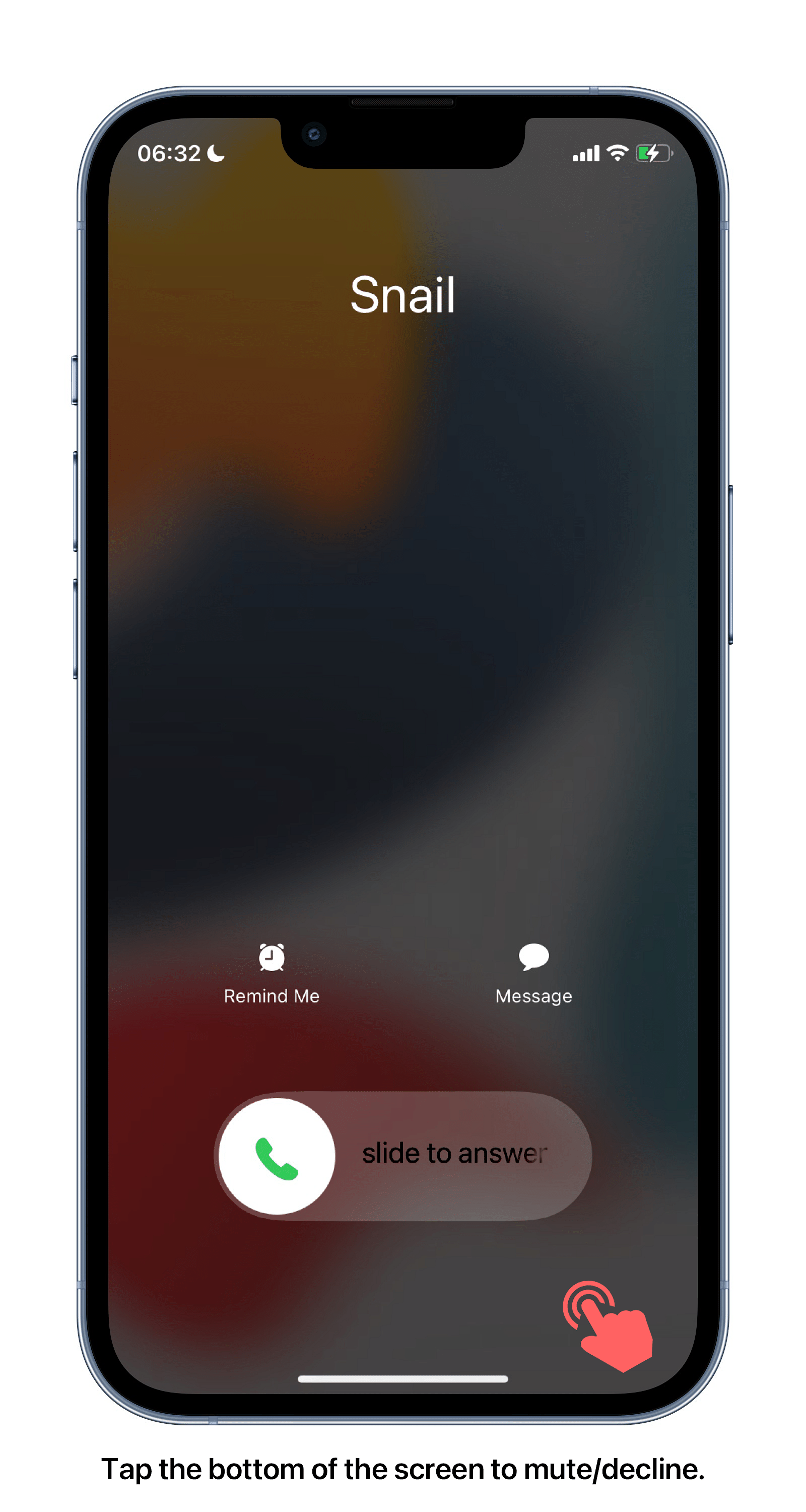
- Method 2: When a call comes in, tap the bottom of the screen once to mute, and tap twice to decline. During the development process, I tested the tweak by making around 500 calls between three iPhones. The tweak work effectively on iOS 14 - iOS 16. If you encounter any issues after purchasing the tweak, please feel free to contact me via email: [email protected].
Info
-
Downloads:
164 -
Section:
Tweaks -
Firmware:
14.0 - 16.5

Support for BootStrap+Serotonin Jaibreak.