

ClayUI
Author:
Devy_Design
Version: 1.6.4
Description
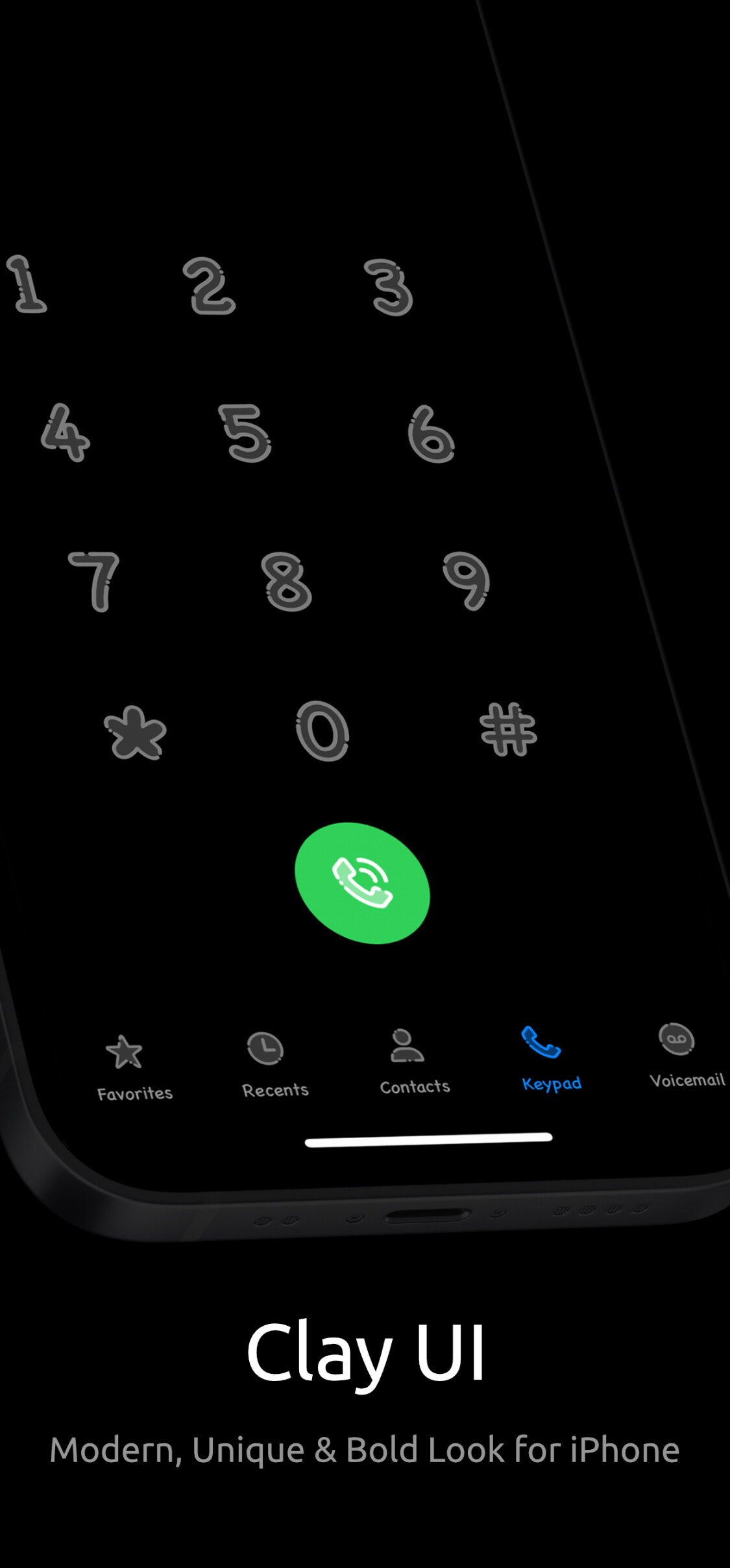
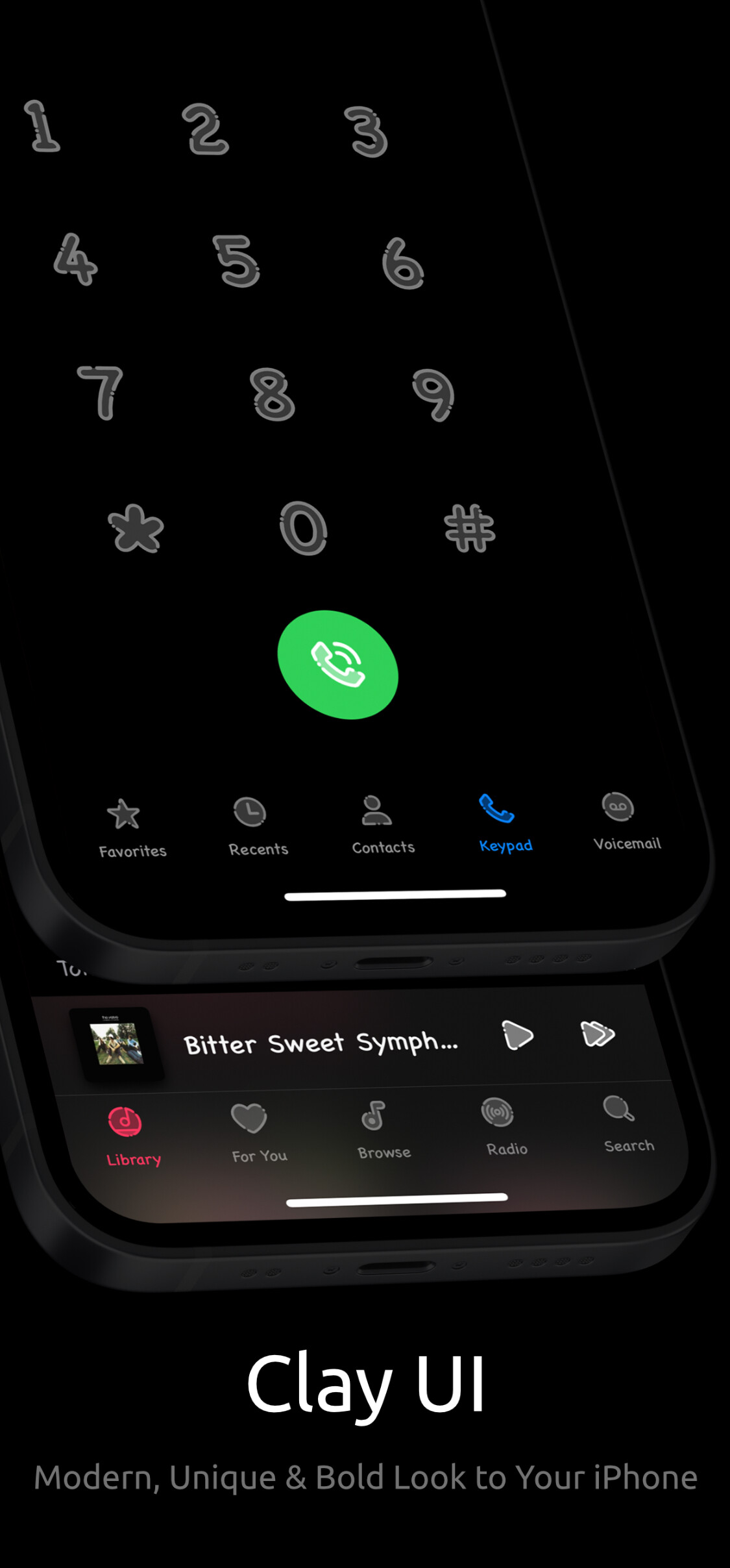
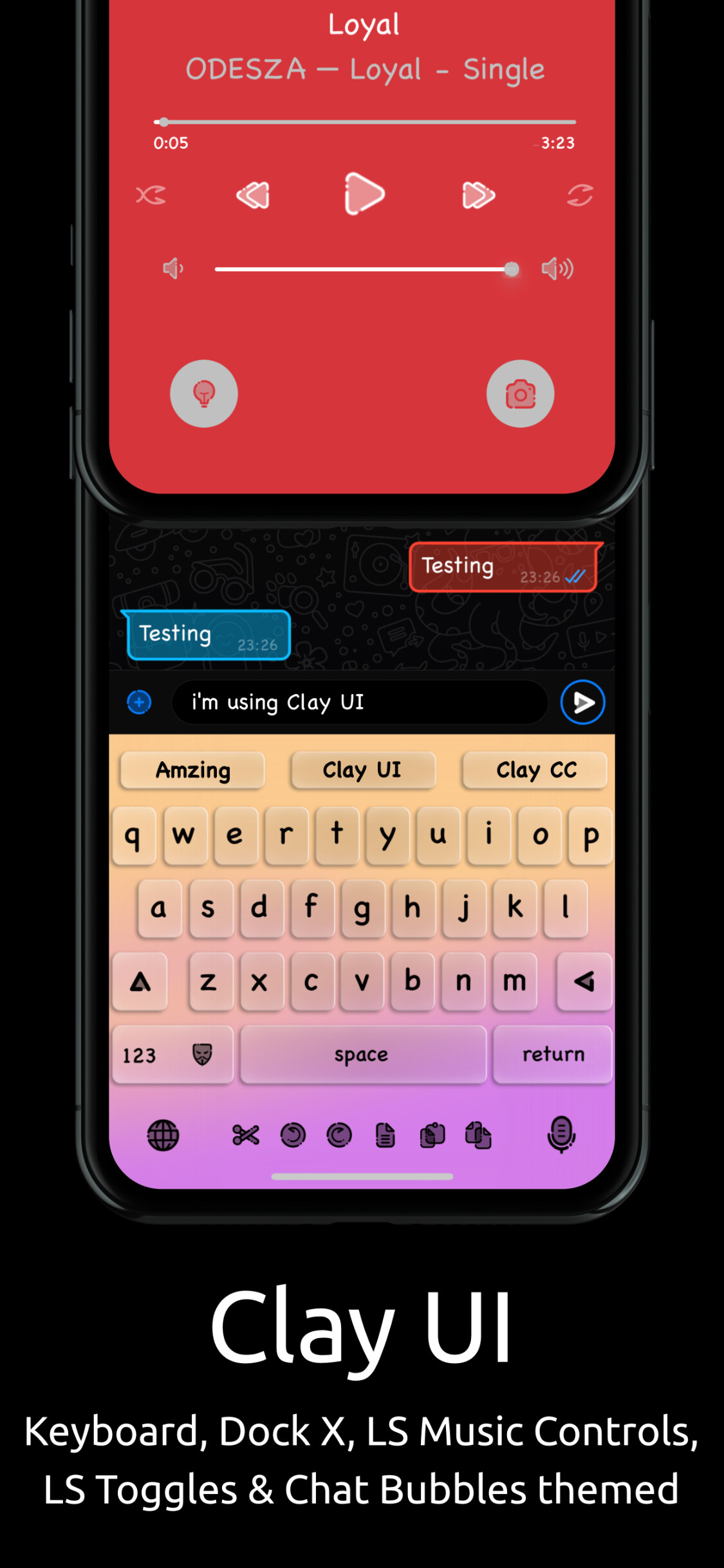
Clay UI
Modern, Unique & Bold Look for your iPhone.
Must checkout Clay Status Bar & Clay CC on Twickd Repo for perfect match design.
Clay UI included:
• Safari
• Music + Music Controls (Quart & Prysm Music Controls Too)
• Lock screen icons (Camera and Flashlight)
• App Store
• Clock
• Photos
• Status Bar
• Notes
• Calendar
• Podcast
• Lockscreen Number Pad & Phone app Number Pad UI (Light & Dark)
• Full Emoji Catagory UI
• Phone + In Call screen
• Switch Knobs UI
• 4 Custom Emoji Tab icons
• Messages + Message Bubbles (Tail & Tail-Less)
• Keyboard (Mic, Globe, and Emoji)
Clay UI also included 3rd party Apps/Package Manager/Tweaks:
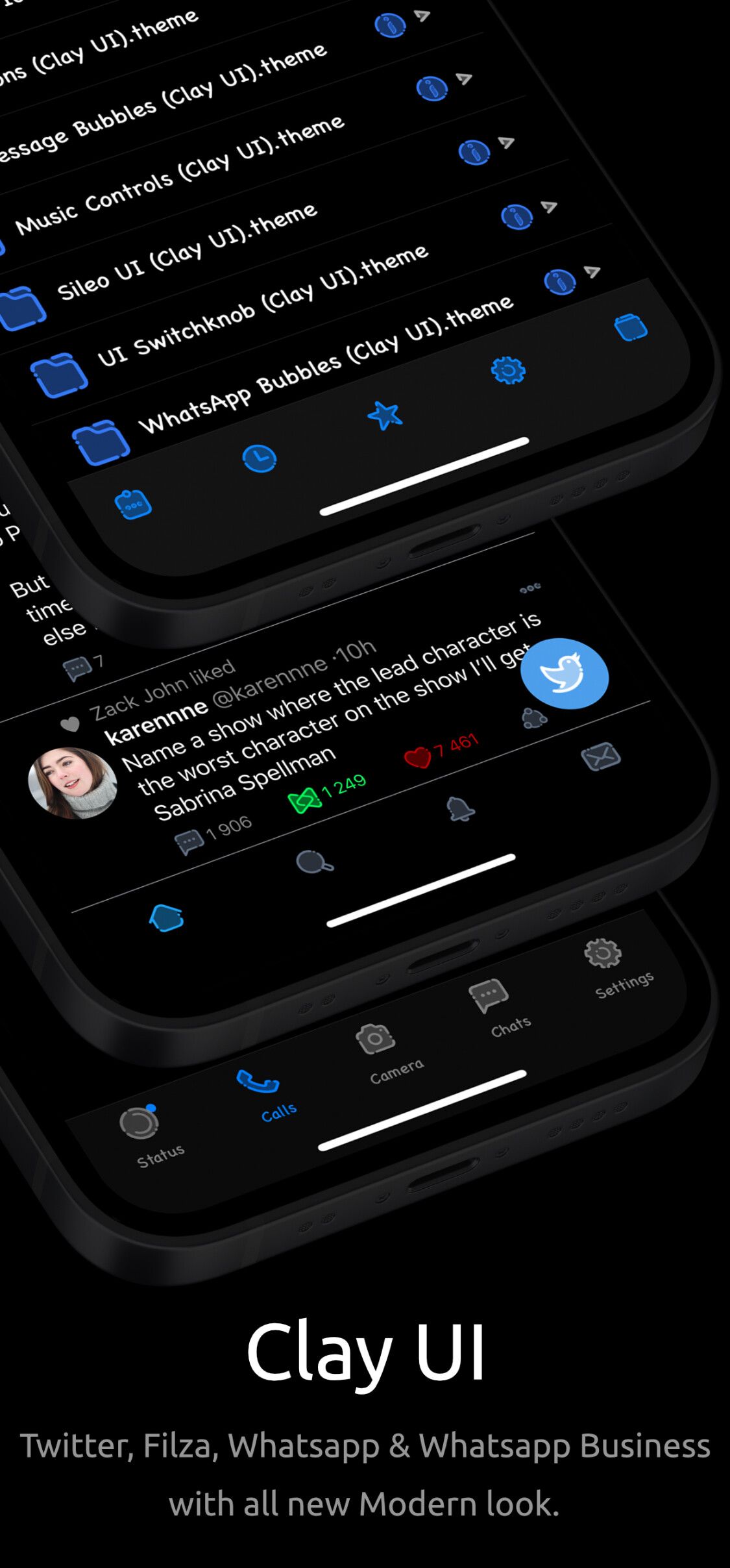
• Twitter UI
• Crunchyroll UI
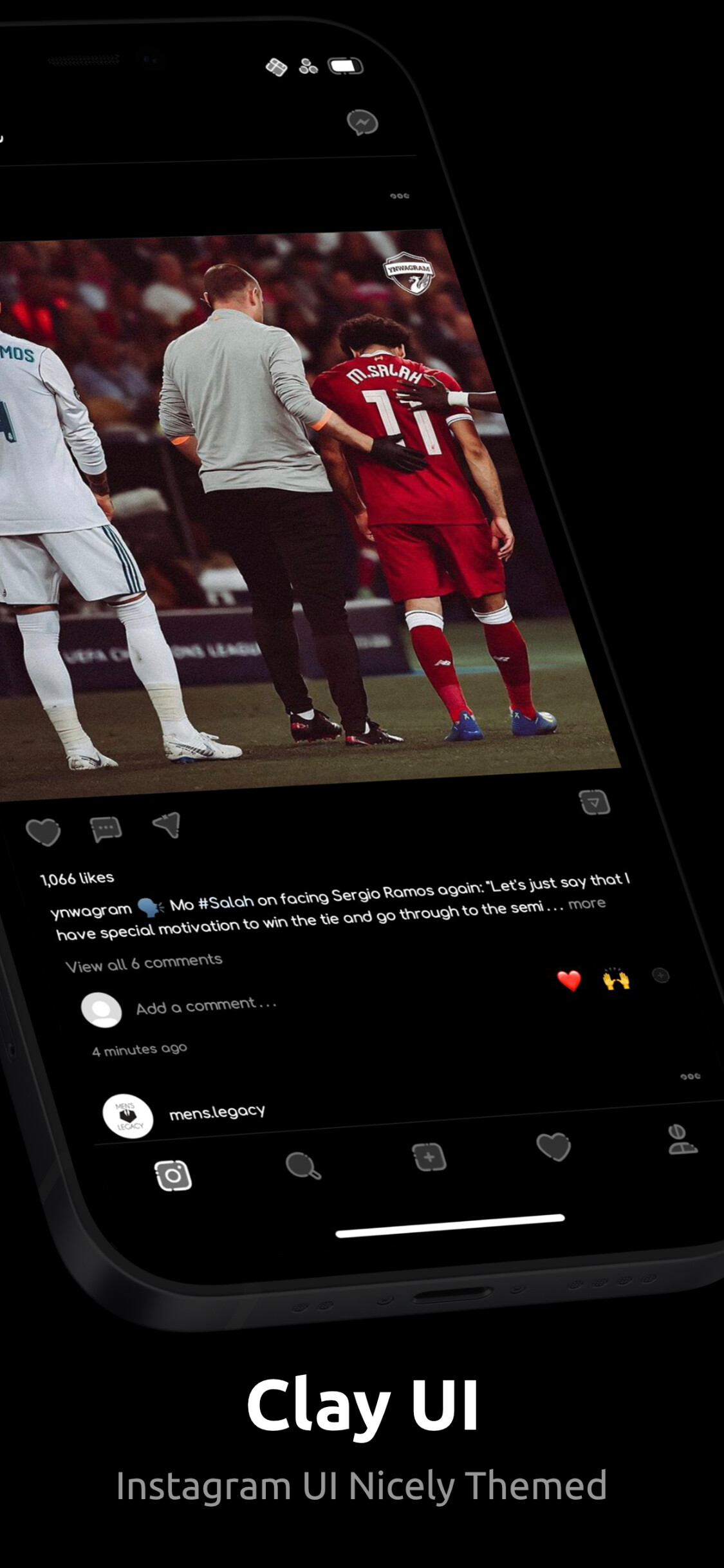
• Instagram UI
• Tweetbot UI
• WhatsApp + WhatsApp Chat Bubbles (Tail & Tail-Less)
• WhatsApp Business + WhatsApp Business Chat Bubbles (Tail & Tail-Less)
• Filza
• Cydia
• Zebra
• Sileo
• Installer 5
• DockX Tweak
• Manga Plus UI
Clay UI will include below apps in future updates:
• Discord
• YouTube
• Apollo
• Tiktok
• Dropbox
• Telegram
Clay UI use with Snowboard + Snowboard UI extension from SparkDev repo.
Clay UI also support Neonboard.
for Twitter UI you need TwitterThemeSupport tweak from Miro Repo - https://miro92.com/repo/
Keyboard not Themed (Fix):
• Clear Cache using icleaner
Music Control Bug (Fix):
• Go to Snowboard - Extensions - Tap on UI extensions Settings - Disable “Resize Music Controls”
Follow me @Devy_Design on Twitter.
Info
-
Downloads:
783 -
Section:
Themes -
Firmware:
iOS 9+

- Added KIK App UI