

Diamond
Author:
SouthernGirlWhoCode
Version: 1.0
Description
iPads are not supported.
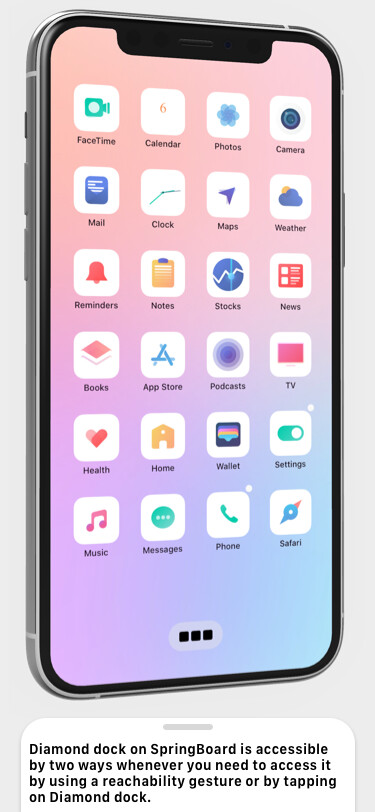
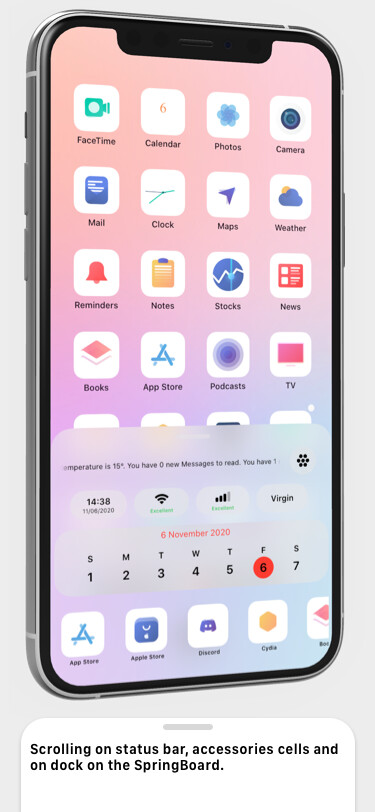
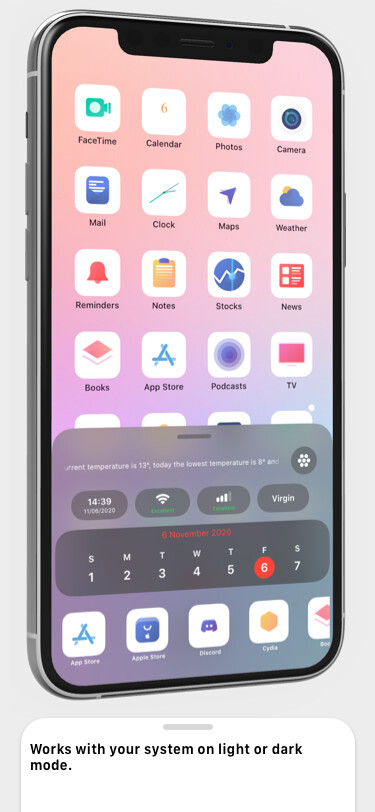
Since first released for iPhone 1st generation, the status bar and dock has always been the same, it just sucks Apple didn’t change them over these years. Say hello to Diamond, put your status bar icons and dock all in one place. You can access to it whenever you need by using two different gestures, either tap on the Diamond dock on the springboard or using the reachability gesture. If you still want to use the original status bar and dock, no problem you can do so by disabling Diamond dock and hide the status bar. You can see all the information with one glance on Diamond.
Read this before purchasing
Works on iPhone running iOS 13 & 14 and it’s not made for iPad.
What it offers
- Rearrange each cells or remove some unwanted cells for status bar and accessories
- Add apps on the dock and rearrange them
- Hide the original status bar, page control on your springboard and add Diamond dock
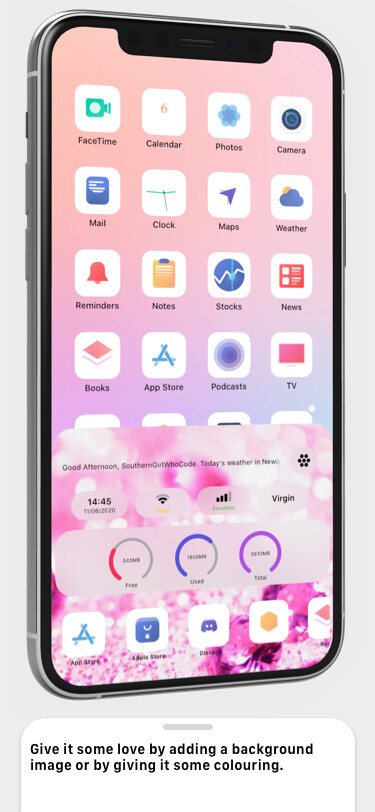
- Give it some colouring or a background image
- You can have access to it whenever you need by tapping on Diamond dock or by using the reachability gesture
Preferences
I strongly think all tweaks should comes with nice preference bundles and make it easier for you to use. I’ve taken the liberty to build beautiful preference and included the grid categories and made it more user-friendly so it won’t be confusing or complicate to navigate between different sections. I can understand from your point of view that you don’t like the colour that the developer included in their tweak’s preference, you won’t need to worry about this one because I have included 5 different themes apart from the default one so you can switch the themes to your liking. Basically it’s tailored specifically for you and the user’s end.
Social
Follow me on Twitter
Follow me on Instagram
Chat with us on Discord
Subscribe to me on YouTube
Info
-
Downloads:
218 -
Section:
Tweaks -
Firmware:
iOS 13 - 14.x

- Initial Release