
EclipseDarkModeColorsiOS13
Author: fr0st
Version: 7.4
Description
Now supports iOS 13 AND iOS 14!
This package is now free.
Description:
Apple’s native dark mode implementation has come short of our expectations. It looks ugly, it’s not customizable, and most importantly, not all apps support it!
Eclipse has been completely rewritten from the ground up to bring a better Dark Mode experience to iOS, and is fully integrated with iOS’s native dark mode for optimal performance and compatibility!
Eclipse has been designed with both personalization and simplicity in mind. No confusing settings, no struggling with tens or hundreds of toggles. It’s the perfect companion to iOS’s dark mode!
Features:
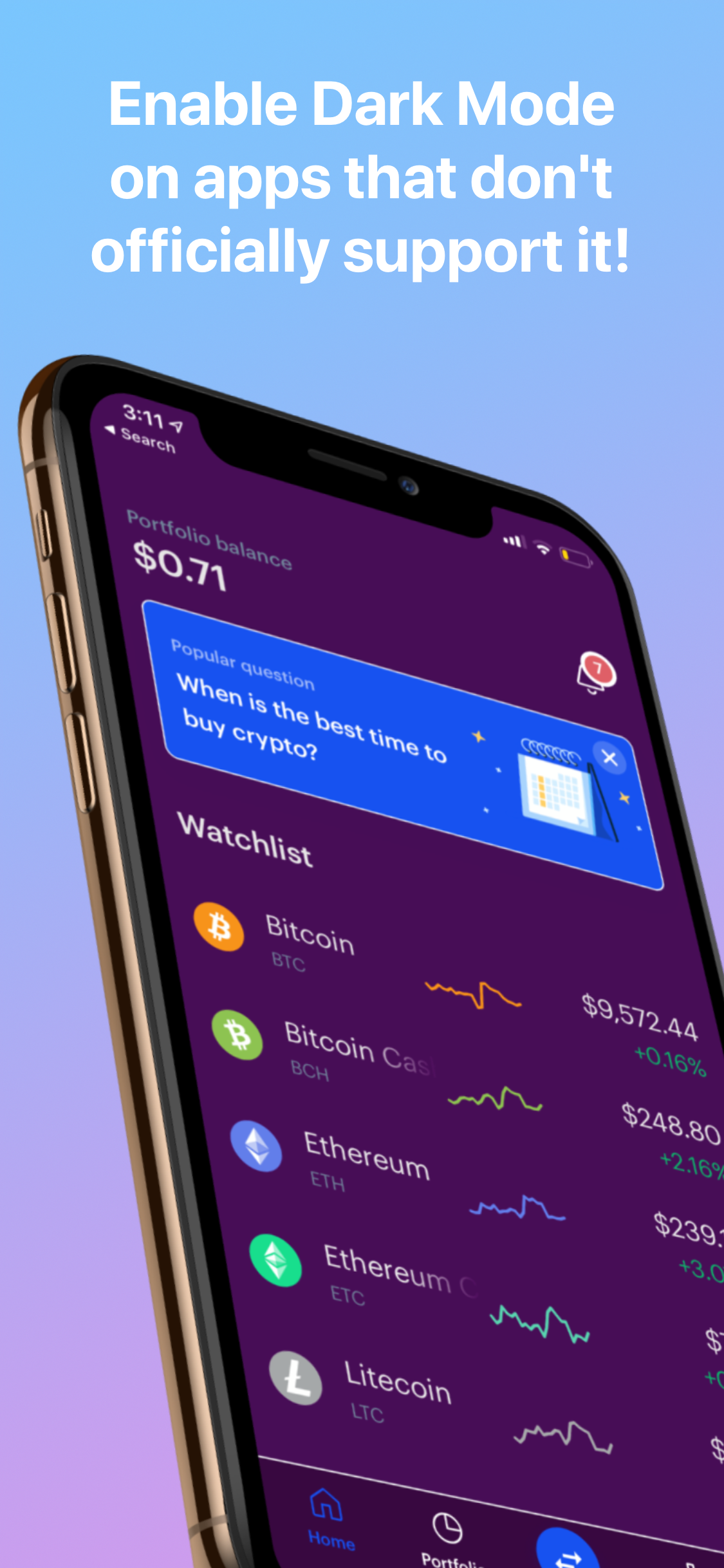
Dark Mode for All Apps : Your favorite app doesn’t support dark mode? No problem! Toggle the app in Eclipse’s Settings, and watch it magically support dark mode, right before your very eyes! (Please note, that apps that do not support native dark mode will not have the ability to toggle dynamically via the control center toggle. This will change in the future).
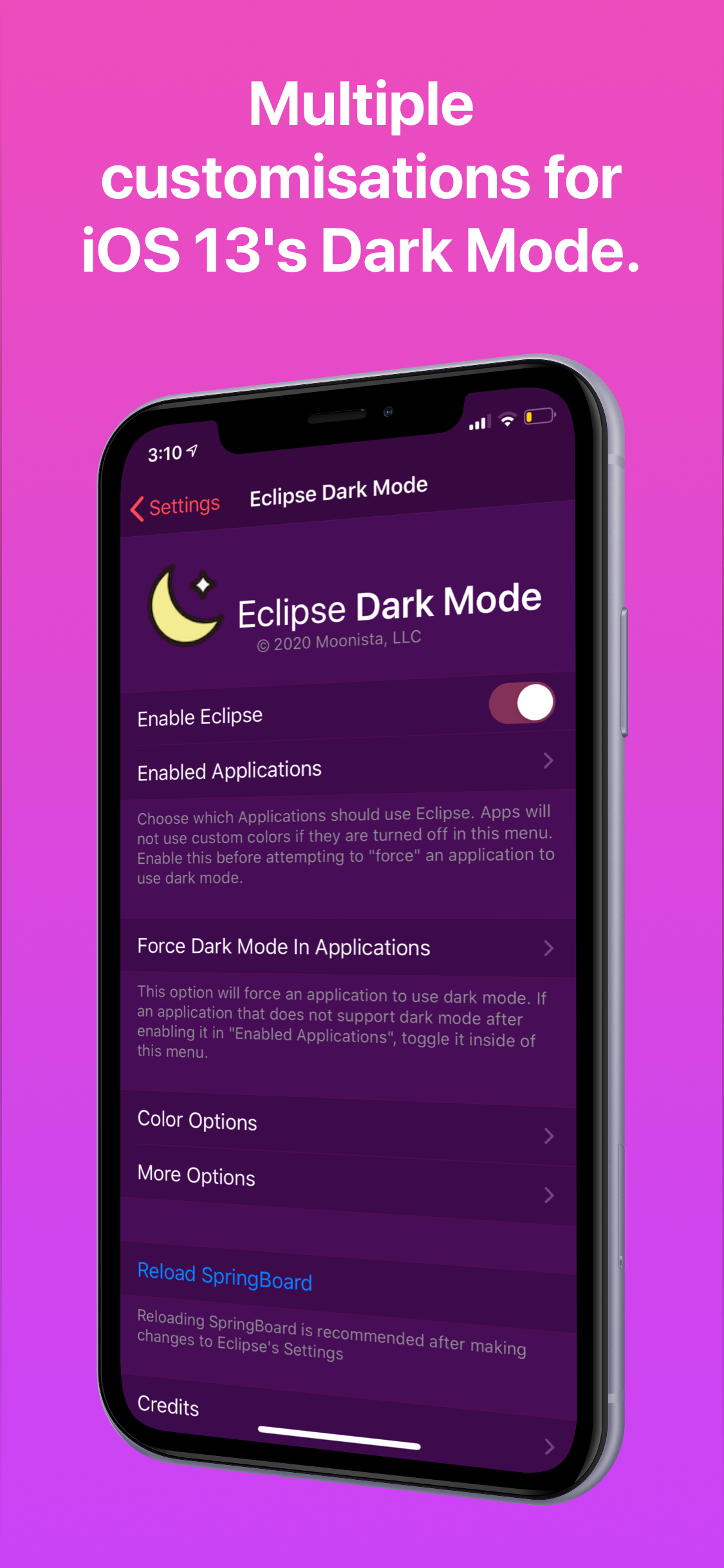
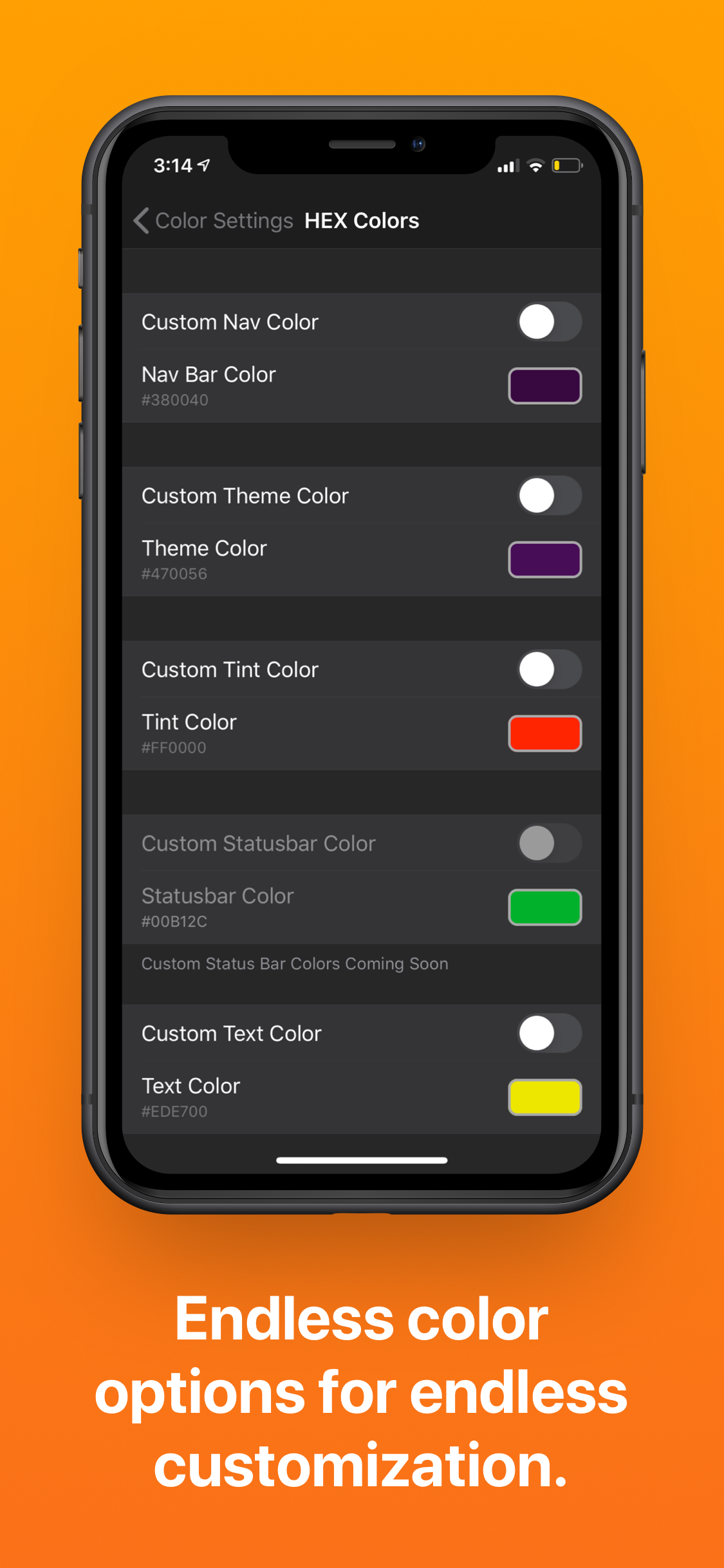
Custom Colors : Completely customize Apple’s dark mode colors, either choose one of the included presets, or pick your own colors using the provided color picker!
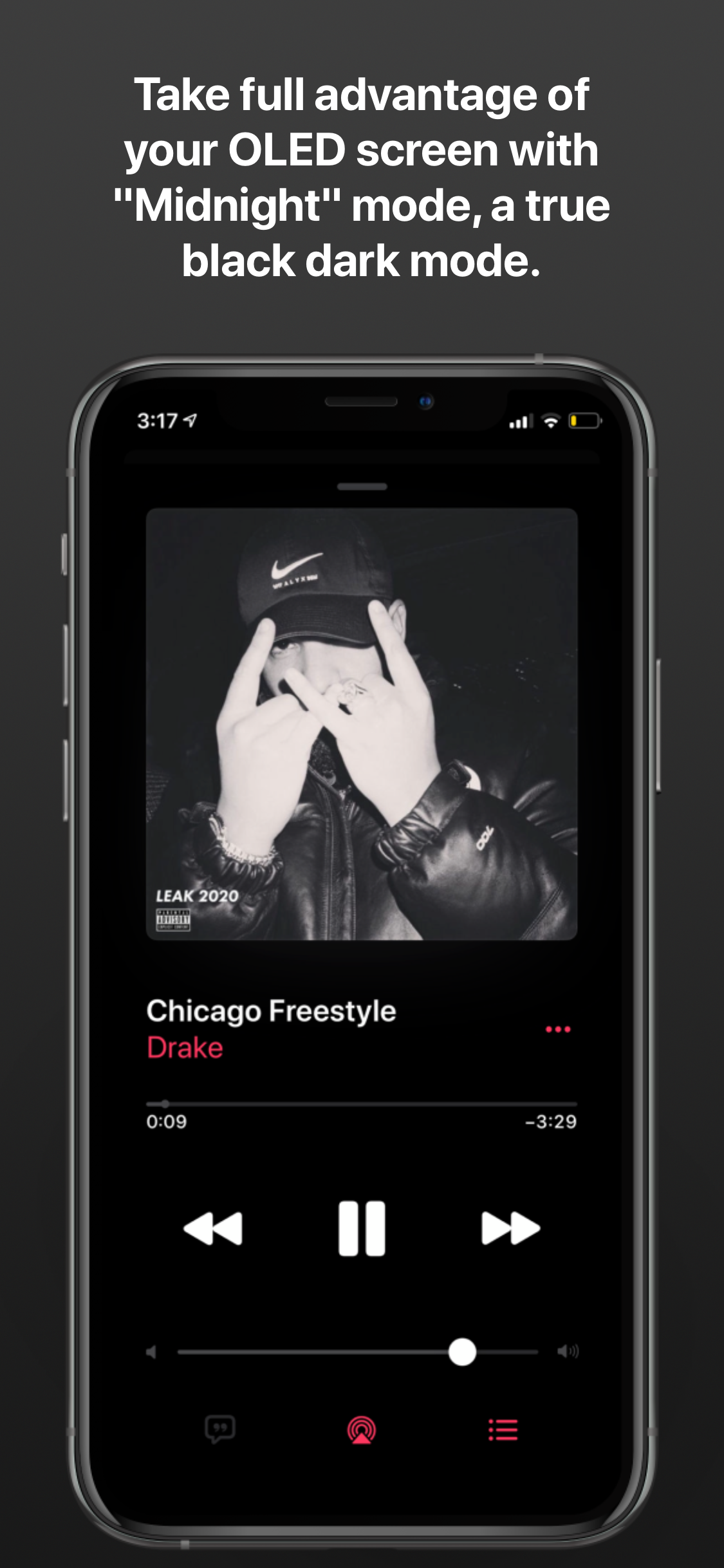
OLED Dark Mode : Love Dark Mode, but wish it was darker? The “PITCH BLACK” Preset option does just that, or make your own preset with the custom color picker!
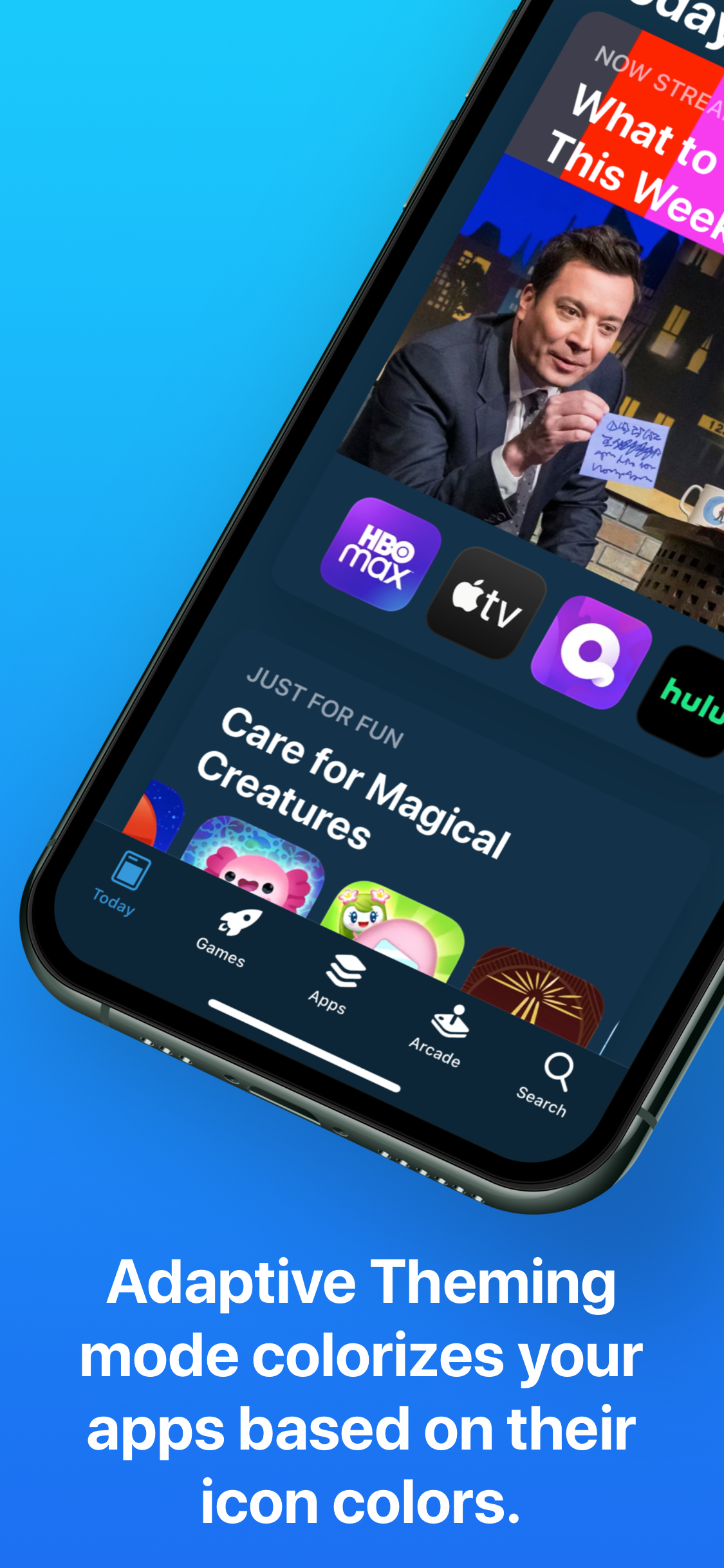
Adaptive Theming Mode : Toggle this option, and all your apps will be a different color, according to it’s own icon color! And yes, this does work with themes too, making it the perfect theming companion!
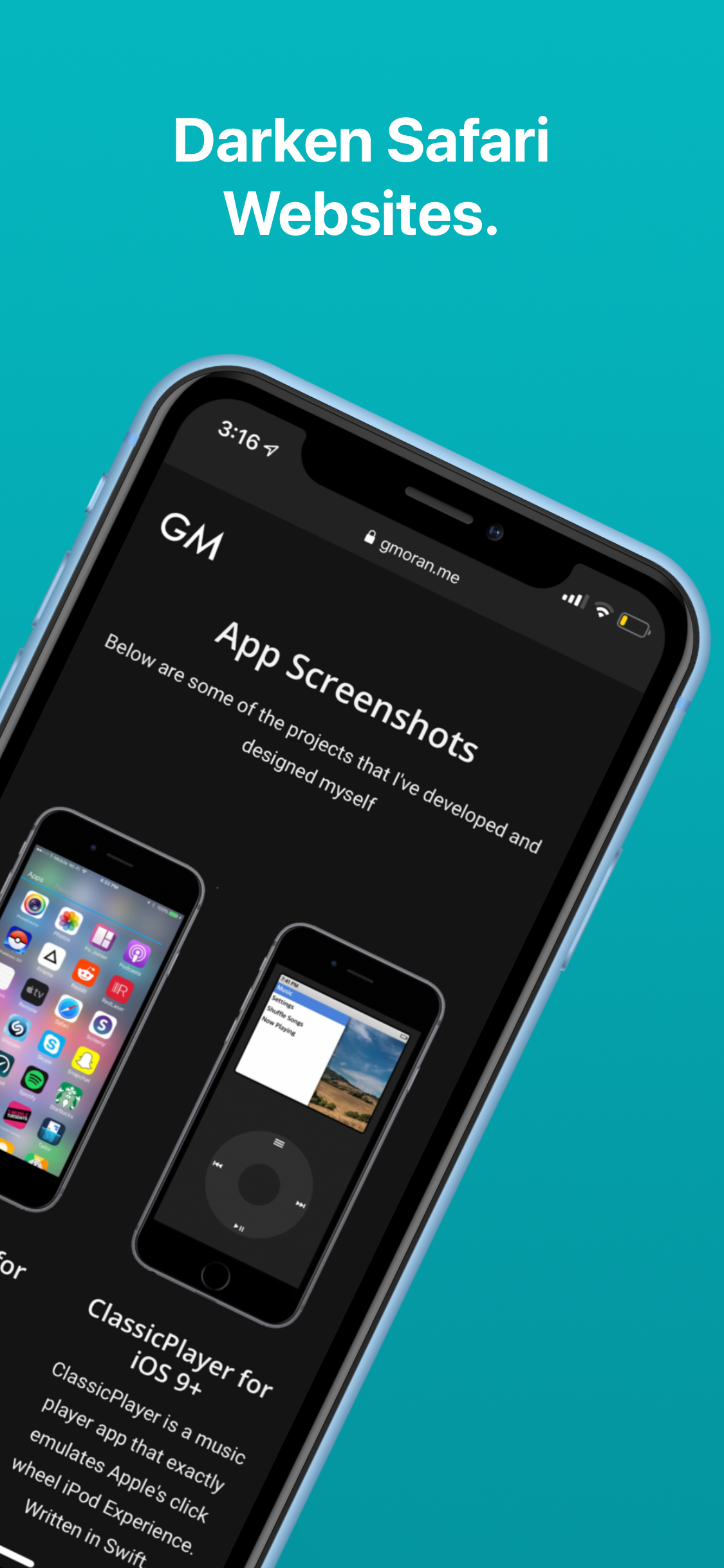
Website Dark Mode : Safari websites are too bright? Not a problem for Eclipse. Toggle this option, and all your visited websites will go dark! (Experimental Feature)
iPad Support : Yup, this fully supports the iPad as well!
Whitelisting : Don’t want an app to be colorized? Turn it off in Eclipse Settings
No Battery Consumption : Because Eclipse is built around Apple’s native dark mode, battery and memory usage is minimal. In some cases, users have reported battery savings by using Eclipse’s OLED “Midnight” mode.
Info
-
Downloads:
374 -
Section:
Tweaks -
Firmware:
iOS 13 - 14.x

- Fix crashing when using adaptive colors on odysseyra1n/libhooker setups
- Support iOS 14