Prism-Rootless
Author: blacknoisy
Version: 1.5.0-1k
Description
Prism
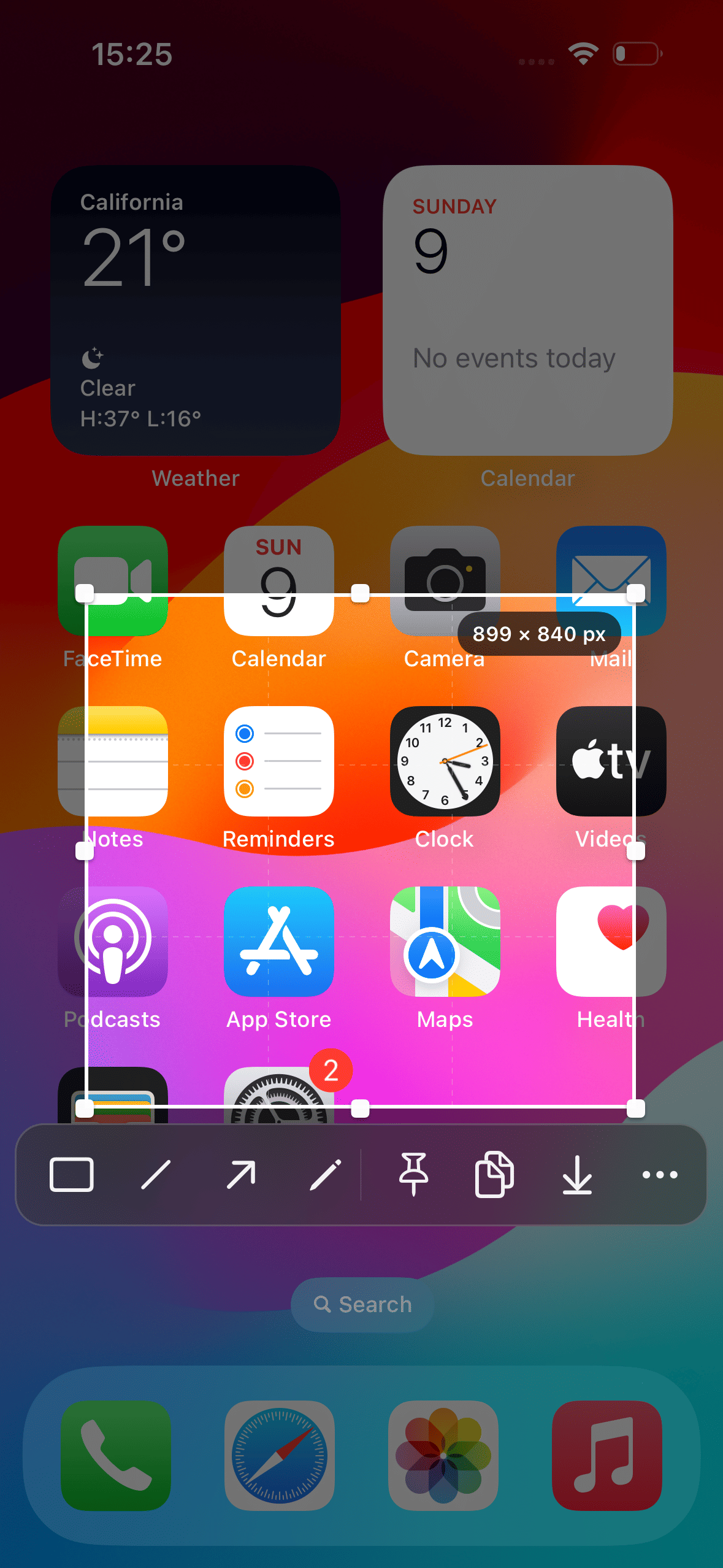
Prism is a focused screenshot and screen-content tool that brings capture, cropping, annotation, recognition, translation, sharing, and pinning together in one fluid, intuitive workflow.
Key Features
-
Freeform Screen Capture
Capture any part of the screen and focus on exactly what matters. -
Powerful Annotation Tools
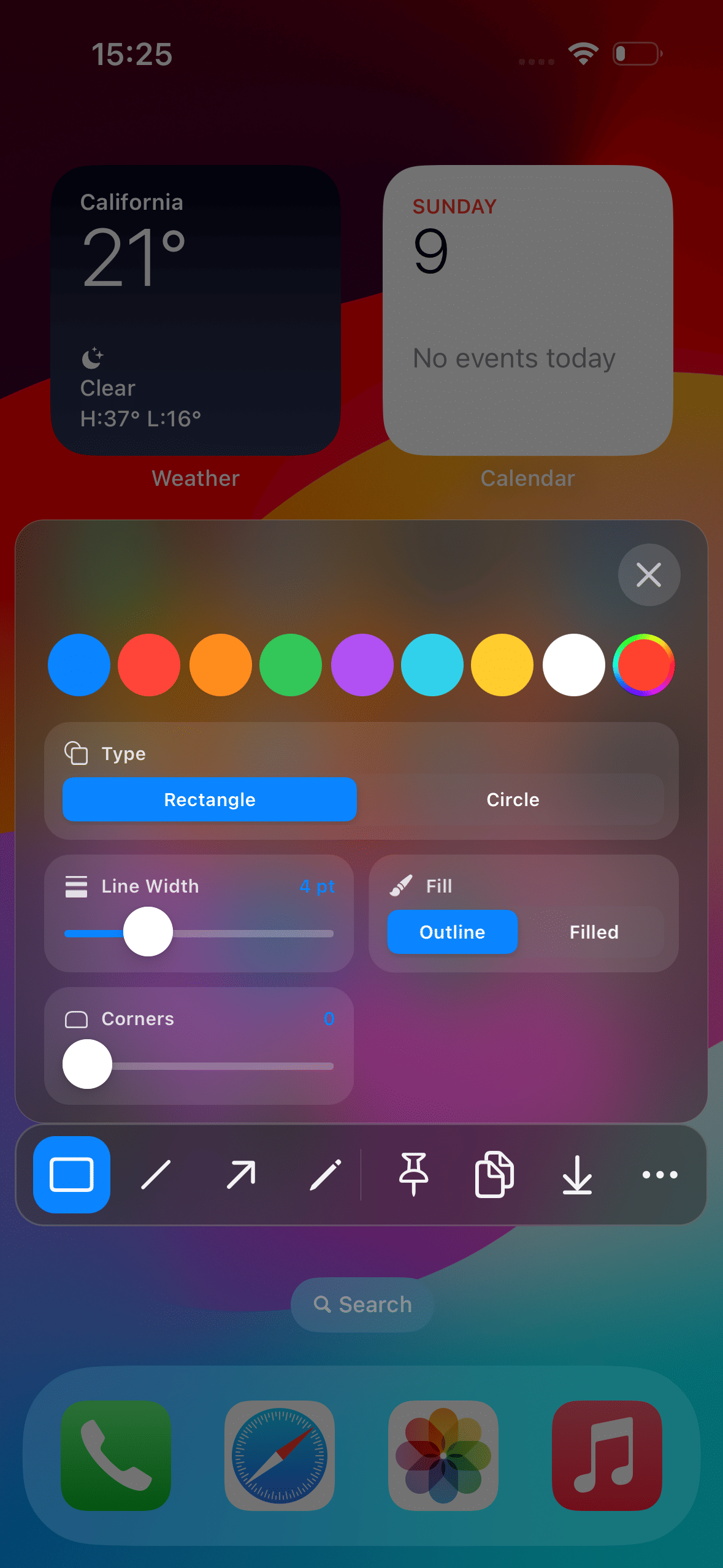
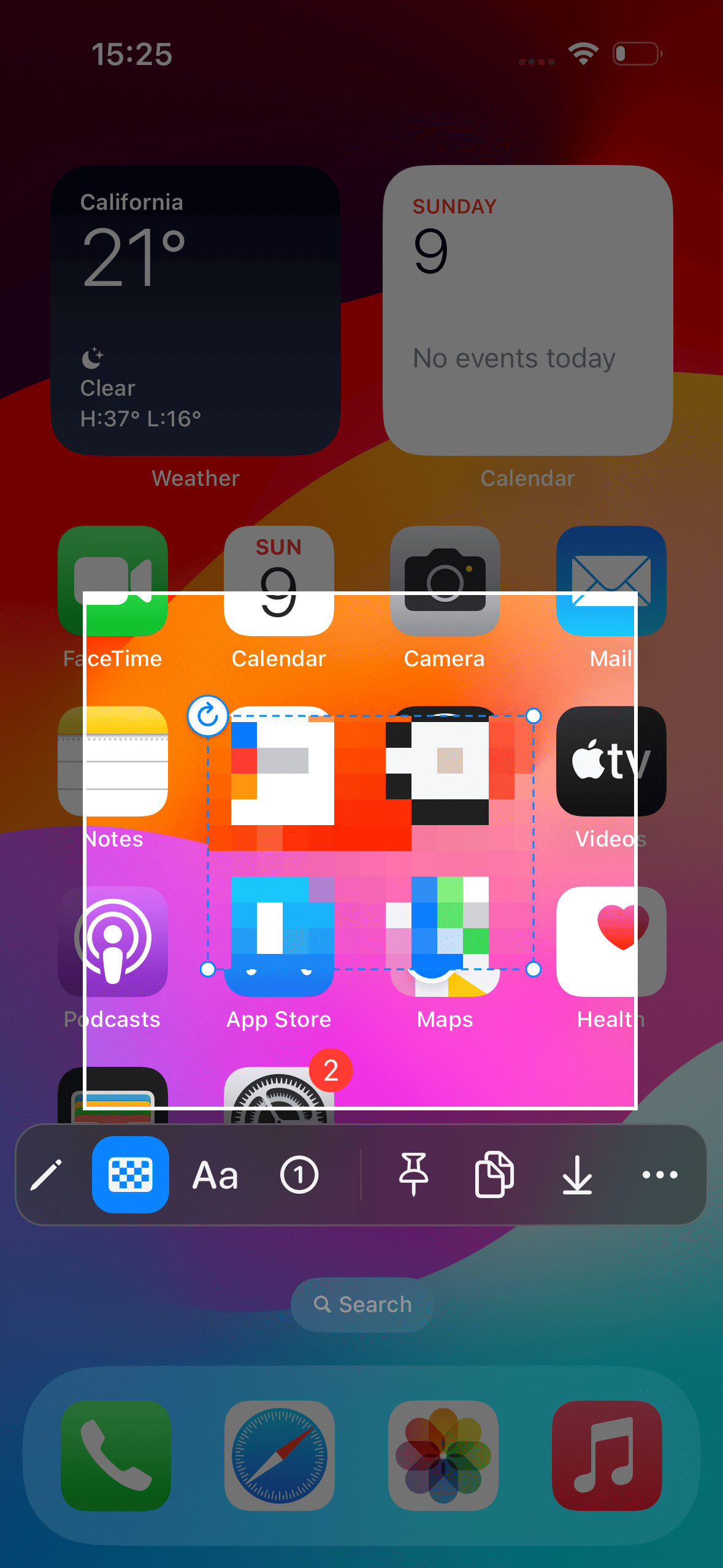
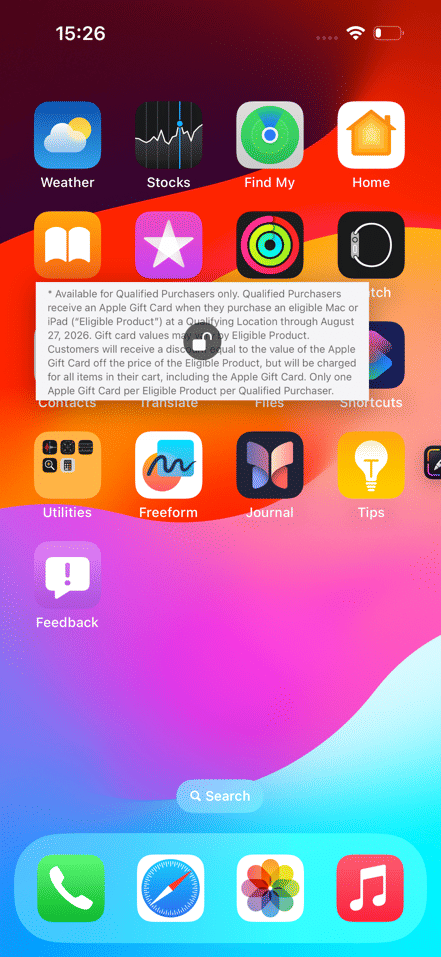
Highlight ideas and add context with pens, lines, arrows, rectangles, and text. -
Flexible Styling
Fine-tune colors, line width, opacity, fills, and text outlines. -
Precise Cropping and Editing
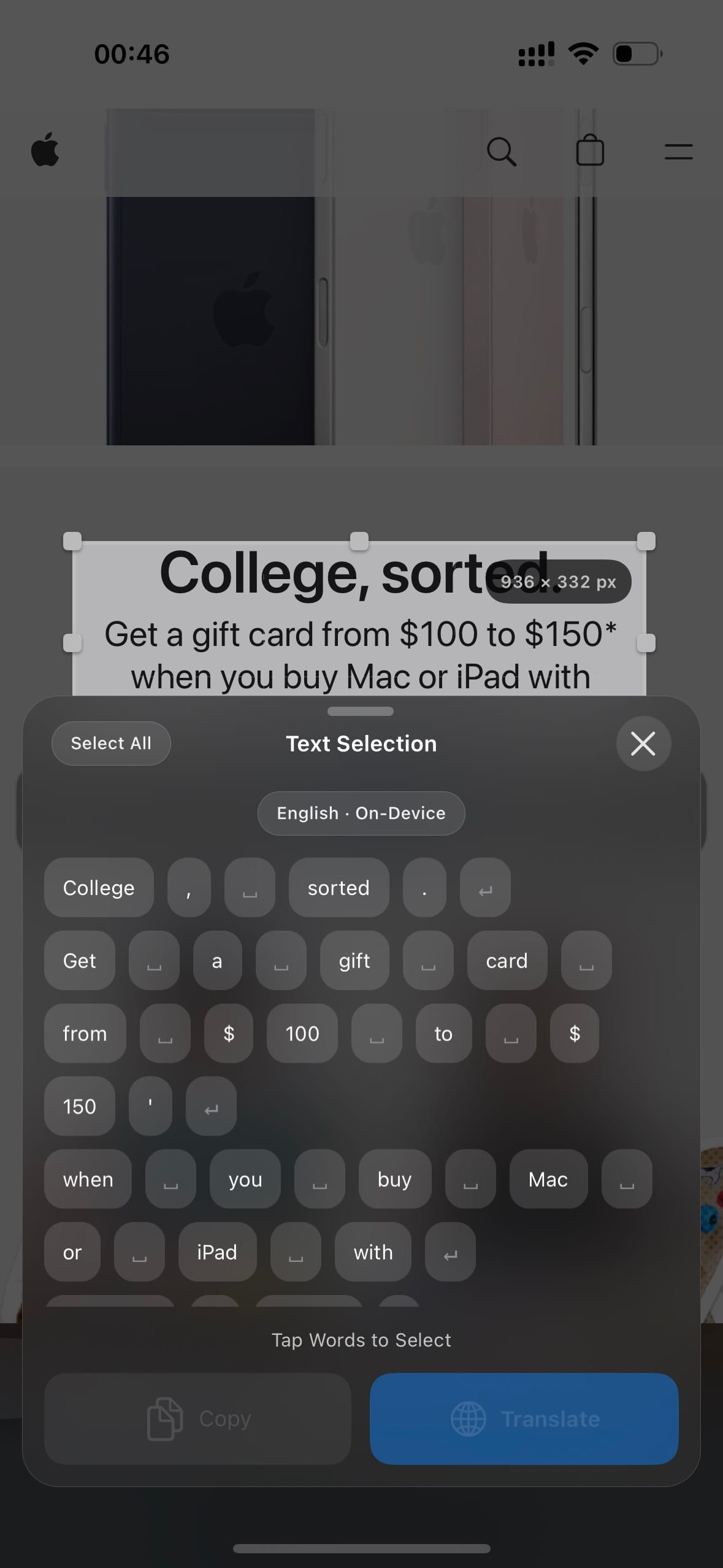
Move and resize selections with a live size readout for accurate results. -
Undo and Redo
Revisit every edit with confidence. -
Instant Color Sampling
Pick colors directly from the captured image for annotations that blend naturally with the content. -
QR Code Recognition
Scan QR codes directly from a selected area. Recognized links can be opened immediately, while supported WeChat QR codes—including payment codes—can hand off to WeChat for native handling. -
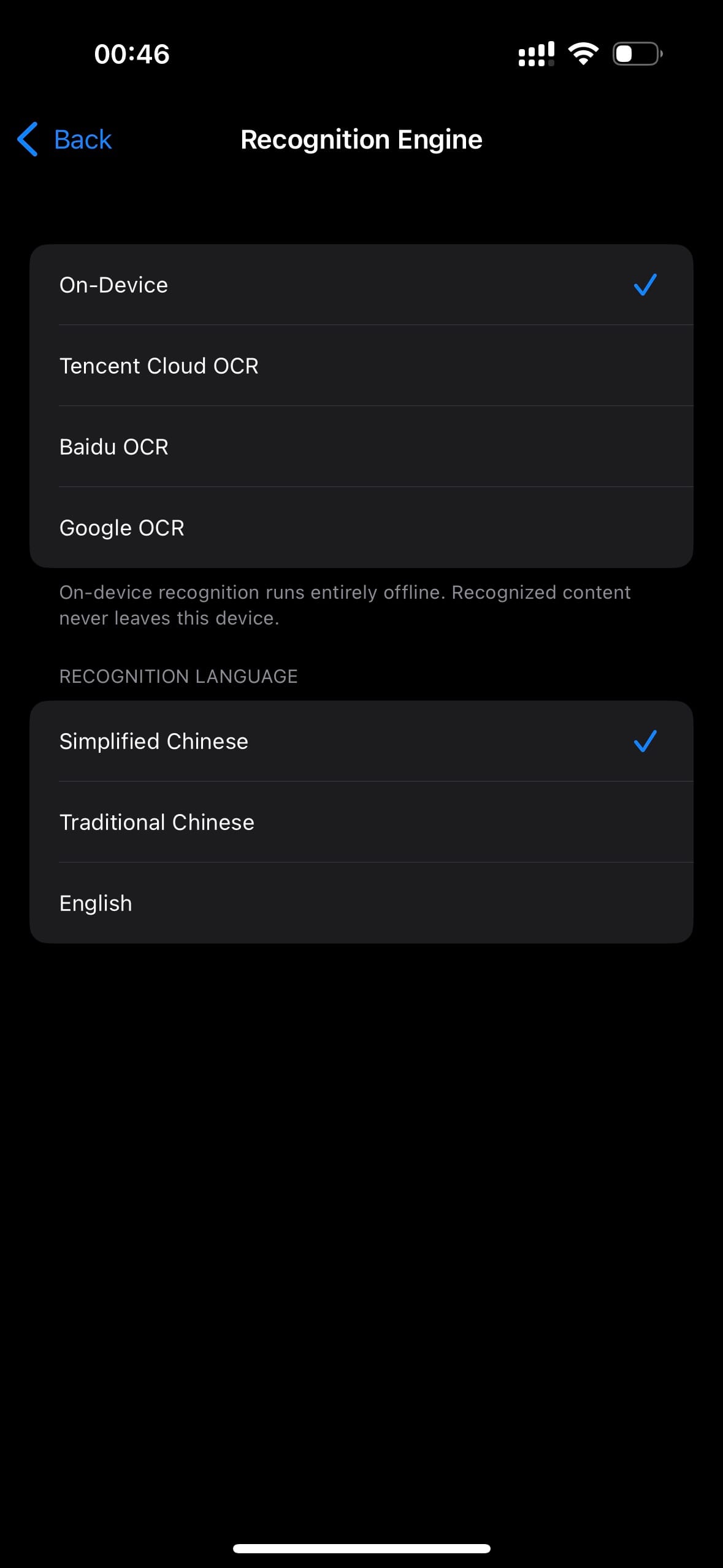
Text Recognition (OCR)
Extract text from any selected area using on-device OCR or optional cloud OCR providers. Cloud OCR requires manual API configuration. -
Text Segmentation (“Big Bang”)
Split recognized text into individually selectable words, punctuation, spaces, and line breaks. Select exactly the content you need, then copy or translate it. -
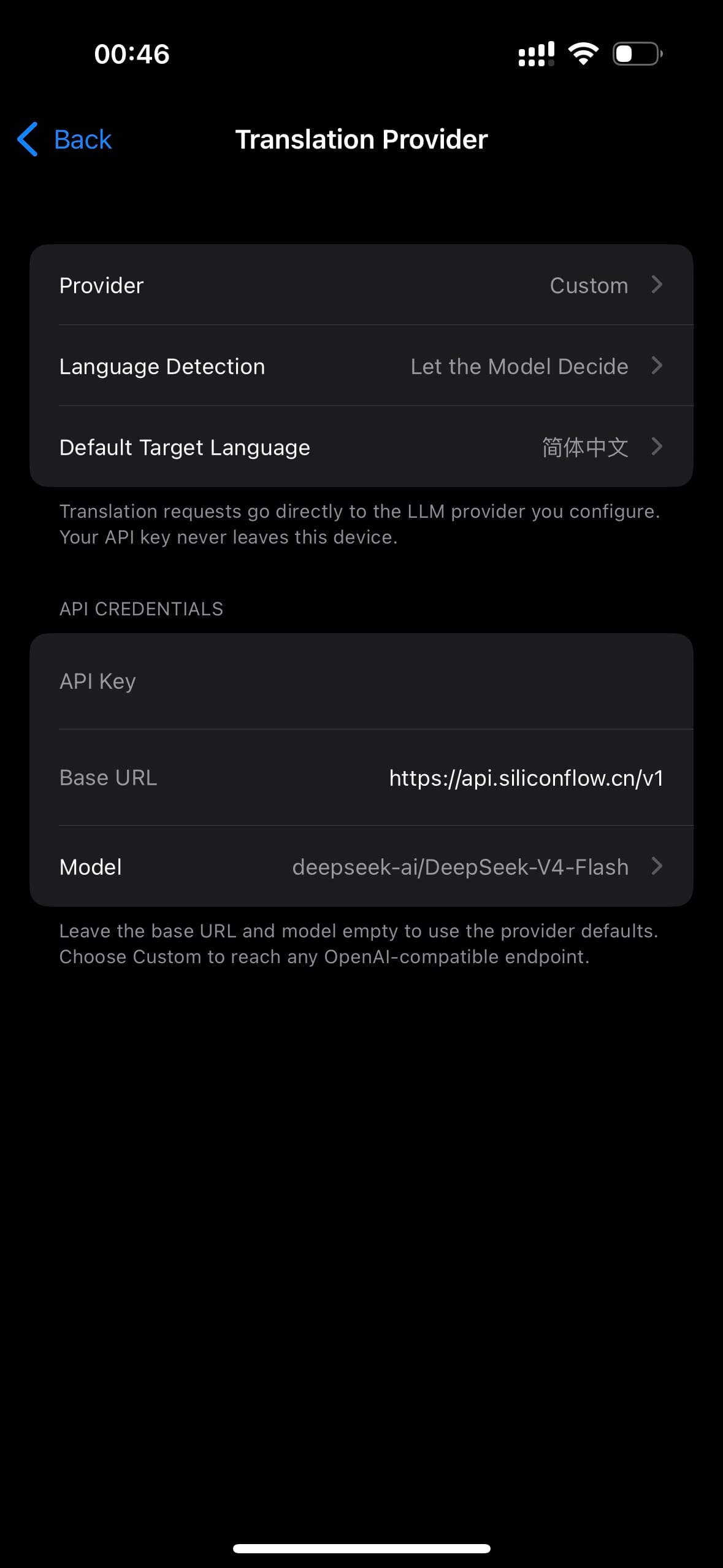
LLM-Powered Translation
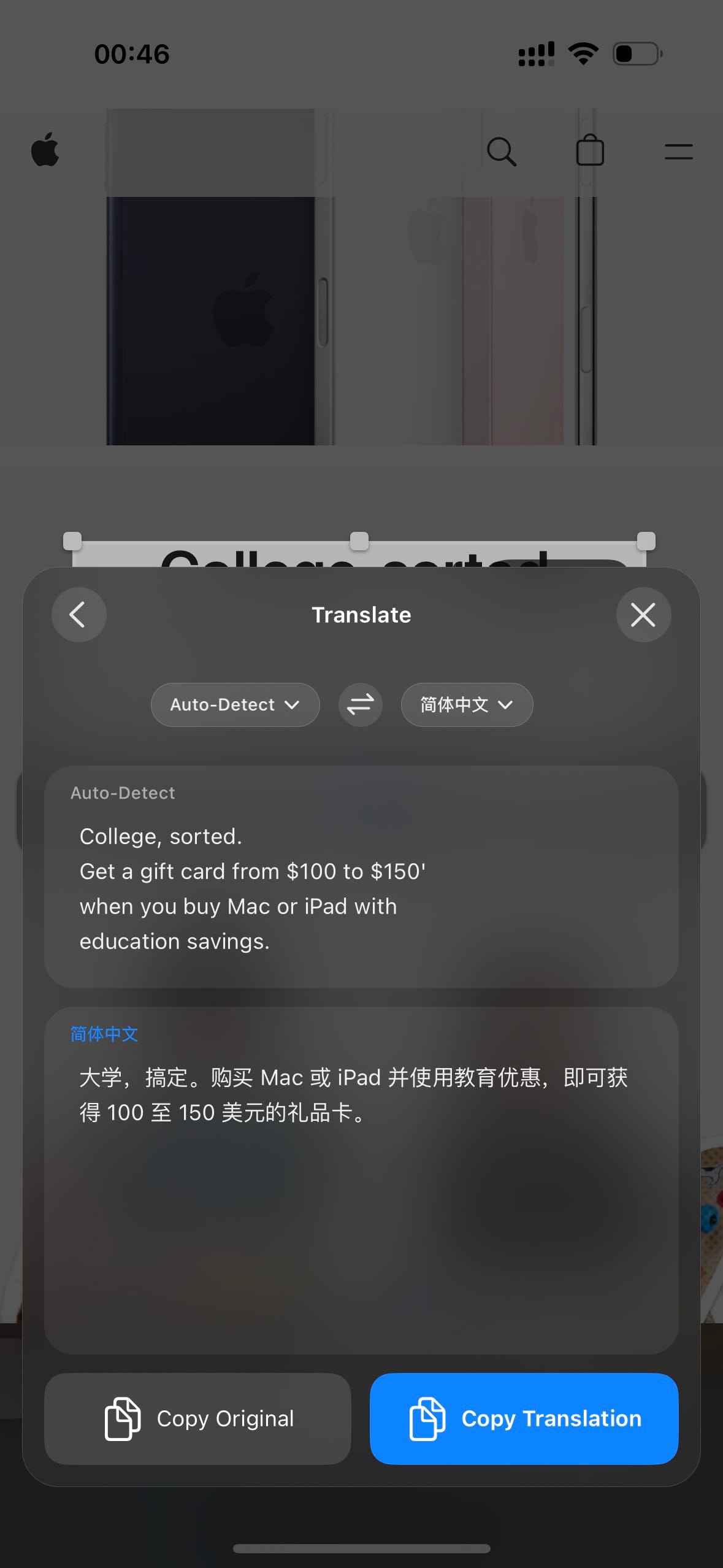
Translate selected text with a configurable large-language-model provider. Supports streaming output and language switching. API configuration is required. -
Versatile Export Options
Copy, share, save to Photos, or export high-quality PNG images. -
On-Screen Pinboard
Pin captured regions above other content for quick reference, comparison, and multitasking. -
Interactive Pins
Move, resize, adjust opacity, lock, unlock, and preserve pinned content. -
Floating Shortcut
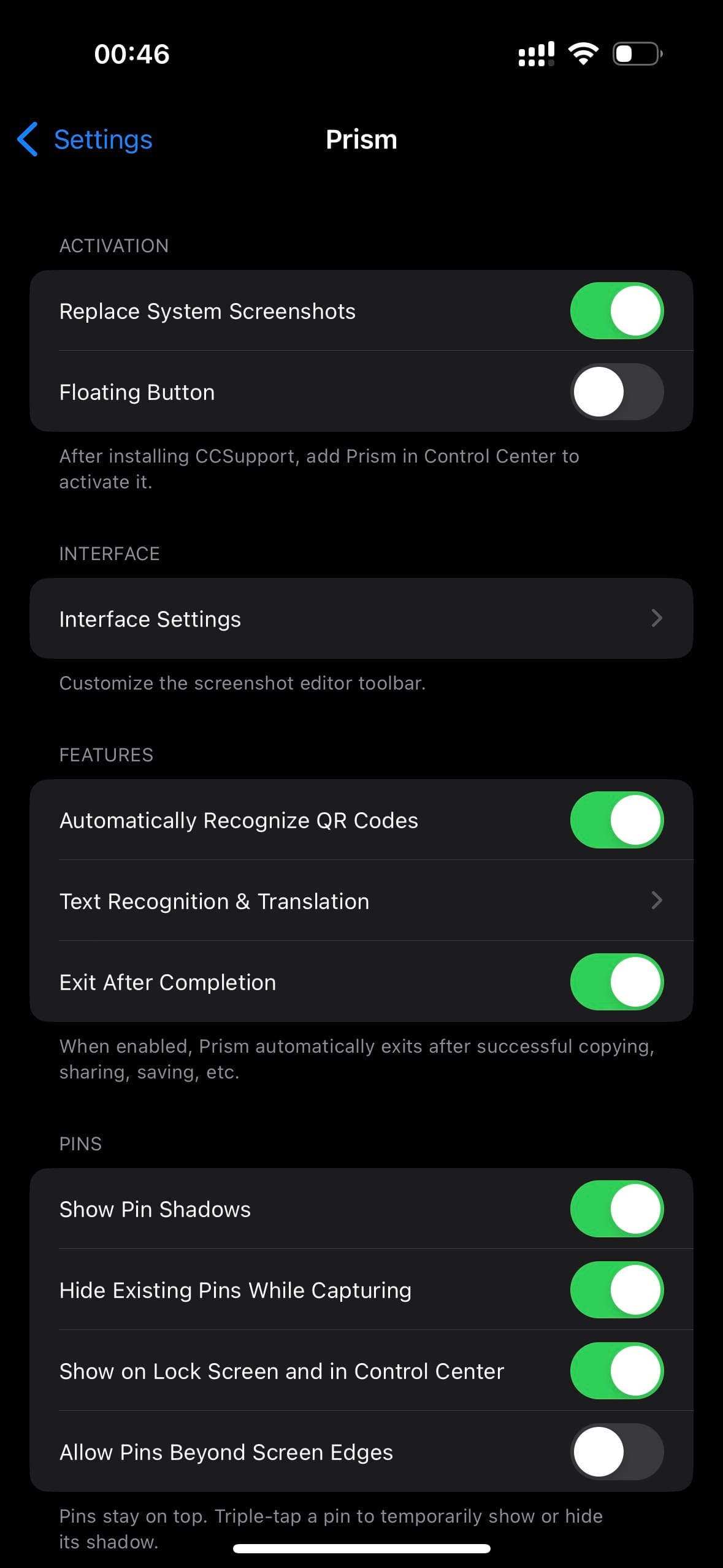
Launch Prism anytime from a draggable, dockable floating button with adjustable icon size and auto-hide timing. -
Control Center Access
Start a Prism capture directly from Control Center. CCSupport is optional and only required for this entry point. -
Orientation-Aware Layout
Prism intelligently adapts the editor, floating shortcut, recognition panels, and pinned content to the current screen orientation.
Capture, recognize, annotate, and keep what matters on screen.
Prism
Prism 是一款专注于截图处理与屏幕内容整理的增强工具,将捕捉、裁剪、标注、识别、翻译、分享和贴图整合为一套流畅、直观的工作流程。
主要功能
-
自由选区截图
截取屏幕上的任意区域,快速聚焦真正重要的内容。 -
丰富的标注工具
支持画笔、直线、箭头、矩形和文字,轻松突出重点、添加说明。 -
灵活的样式调整
自由设置颜色、线条粗细、透明度、填充效果和文字描边。 -
精准裁剪与编辑
自由移动和调整选区,并通过实时尺寸显示获得理想的画面范围。 -
撤销与重做
随时回退或恢复编辑操作,让每一次修改都更加从容。 -
屏幕取色
直接从截图中选取颜色,让标注与原始画面自然协调。 -
二维码识别
可直接识别选区内的二维码并打开链接;支持将微信二维码交由微信原生能力处理,包括微信付款码等场景。 -
文字识别(OCR)
支持从选区中提取文字,可选择本地识别或云端识别。云端识别需自行配置 API。 -
分词(大爆炸)
将识别结果拆分为可独立选择的词块、标点、空格和换行。可按需选择内容后复制或翻译。 -
大模型翻译
通过可配置的大模型服务翻译所选文字,支持流式输出和语言切换。需自行配置 API。 -
多种导出方式
支持复制、分享、保存到相册以及导出高质量 PNG 图片。 -
屏幕贴图
将截图选区固定在屏幕上,方便对照内容、记录信息或跨应用参考。 -
灵活的贴图交互
支持拖动、缩放、透明度调整、锁定与解锁,并可保留贴图状态。 -
悬浮快捷入口
通过可拖动、可停靠的悬浮按钮随时启动截图,并可调整图标大小和自动收起时间。 -
控制中心入口
可直接从控制中心启动 Prism 截图。CCSupport 为可选组件,仅使用此入口时需要安装。 -
横竖屏智能适配
根据当前屏幕内容方向,自动调整编辑器、悬浮入口、识别面板和贴图布局。
捕捉、识别、标注并留住屏幕上的重要内容。
Info
-
Downloads:
0 -
Section:
Tweaks -
Firmware:
16.0 - 17.3.1

- Fixed an issue that could cause the device to respring.
- 修复了一个可能会导致设备注销的问题。